
Seedream 5.5 AI Image Generator
ByteDance’s next Seedream model is built to take an image past “looks right” and into production: edits that stay put over 80+ rounds, transparent assets, separate layers and text you can still change. Seedream 5.5 is listed in the box below and opens here the day it is released. Until then, Seedream 5.0 Pro and every other model on Dolai are ready to use.
- 80+ stable edit rounds
- RGBA transparent output
- Up to 100 layers
- Editable text
- 4K at 16:9
- Multilingual small text
Sexually explicit (NSFW) content is strictly prohibited.
Seedream 5.5 is not served yet, so it is shown as Coming soon in the model list. Seedream 5.0 Pro is selected in the meantime; your prompt stays in the box when you switch models.
What is Seedream 5.5?
Seedream is ByteDance’s family of image models, the same research line behind the image tools in CapCut and Doubao. Seedream 4.0 merged generation and editing into one model, 4.5 sharpened typography and reference consistency, and 5.0 added deep prompt understanding, dense layouts and text in many languages.
Seedream 5.5 is the next step. ByteDance’s preview frames it as the move from a model that can make a picture to one that fits into a real production pipeline: fewer rounds of rework, an editing chain that does not drift, finished output at print and screen sizes, and text that survives localization. The preview lists eight upgrades, set out below.
Dolai will add Seedream 5.5 to this page and to the image studio as soon as it can be served. ByteDance has not announced a public release date, so the model is marked Coming soon until then.
Image generation preview
Eight upgrades in Seedream 5.5
From ByteDance’s Seedream 5.5 preview: what changes for rework, the editing chain, output quality and global delivery.
- 0180+ rounds
Stable editing that does not drift
After many rounds of local edits, the regions you did not touch stay as they were, so there is no need to start over.
Use it for: E-commerce re-edits · Creative tools · Game assets
- 02RGBA
Transparent output, ready to use
Transparent and semi-transparent assets come out directly, cutting the masking and compositing steps after generation.
Use it for: Design assets · Stickers · White-background product shots
- 03100 layers
Layer splitting for design workflows
Elements can be exported as separate layers, ready for templates, remixes and motion reuse.
Use it for: Ad posters · Slides · Motion templates
- 04Structured
Text you can still change
Clean text is recognised with its font, colour and style, so it can be re-rendered downstream without redrawing the picture.
Use it for: Localized copy · Template reuse · Multi-version assets
- 054K
High resolution, closer to final
4K output at 16:9, with less upscaling and less loss from cropping afterwards.
Use it for: Banners · Large screens · Print
- 06Realism
Better texture, less retouching
Products and people look more real, with better light and a marked step up when several images are blended into one.
Use it for: Product main images · Portraits · Game art
- 07Poster-grade
Layout with taste
An overall upgrade in layout and visual judgement, so fewer rounds go into rearranging and adjusting.
Use it for: Brand posters · Product detail pages · Campaign visuals
- 08Multilingual
Small text you can rely on
Higher accuracy and cleaner rendering for small Chinese and English text and text in other languages, which cuts proofreading for localization.
Use it for: Cross-border e-commerce · Overseas ads · Multilingual assets
Source: ByteDance’s Seedream 5.5 image generation preview. Final specifications may change at release.
What Seedream already makes
Official samples from earlier Seedream versions, each labelled with the model that made it. Seedream 5.5 builds on all of them. Use any prompt to start your own image.
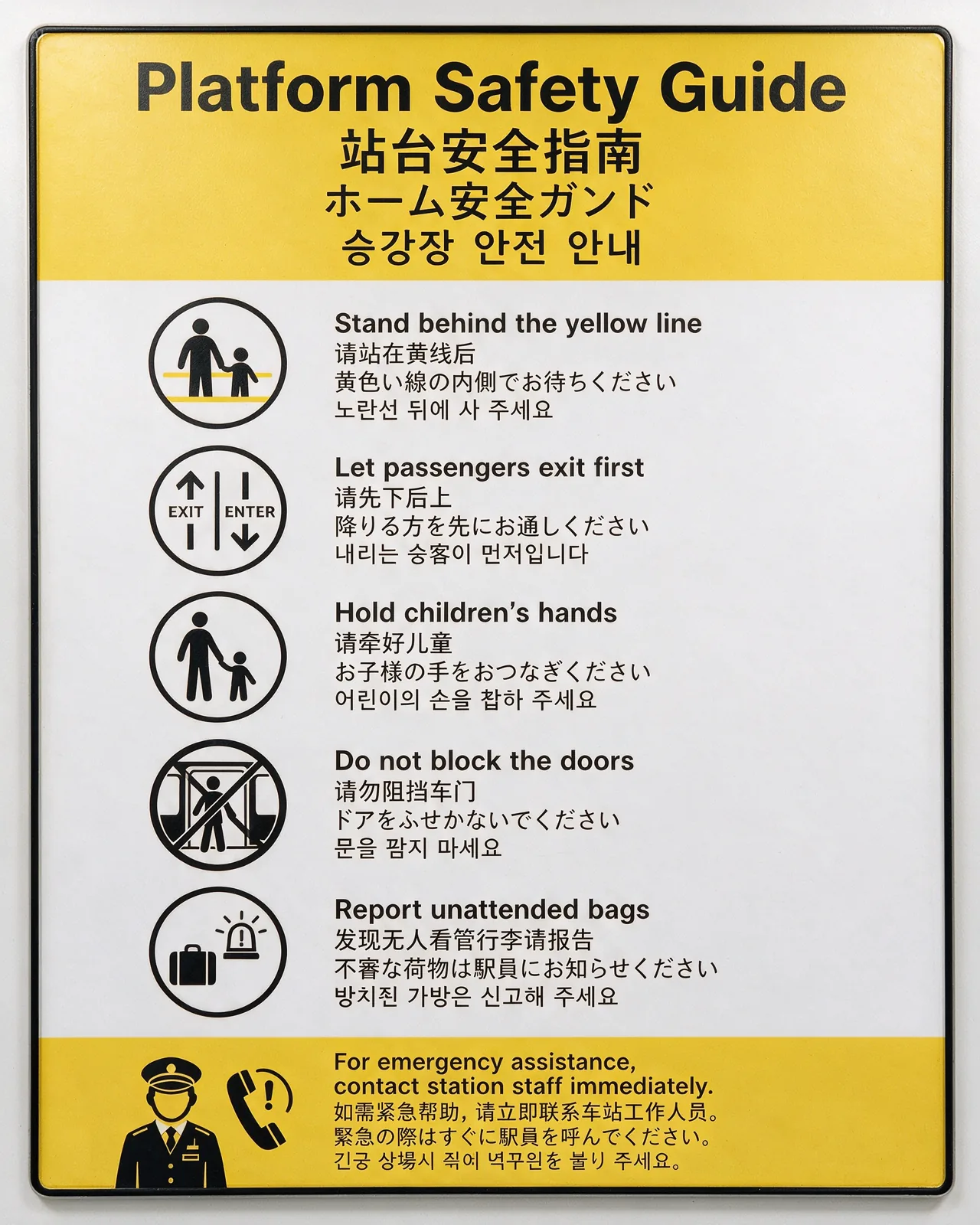
Generate a subway station public safety notice poster, vertical 4:5. The style should be modern public transit wayfinding, with a white background, yellow warning color, and black icons. The text content should be displayed side by side in four languages: English, Chinese, Japanese, and Korean. …
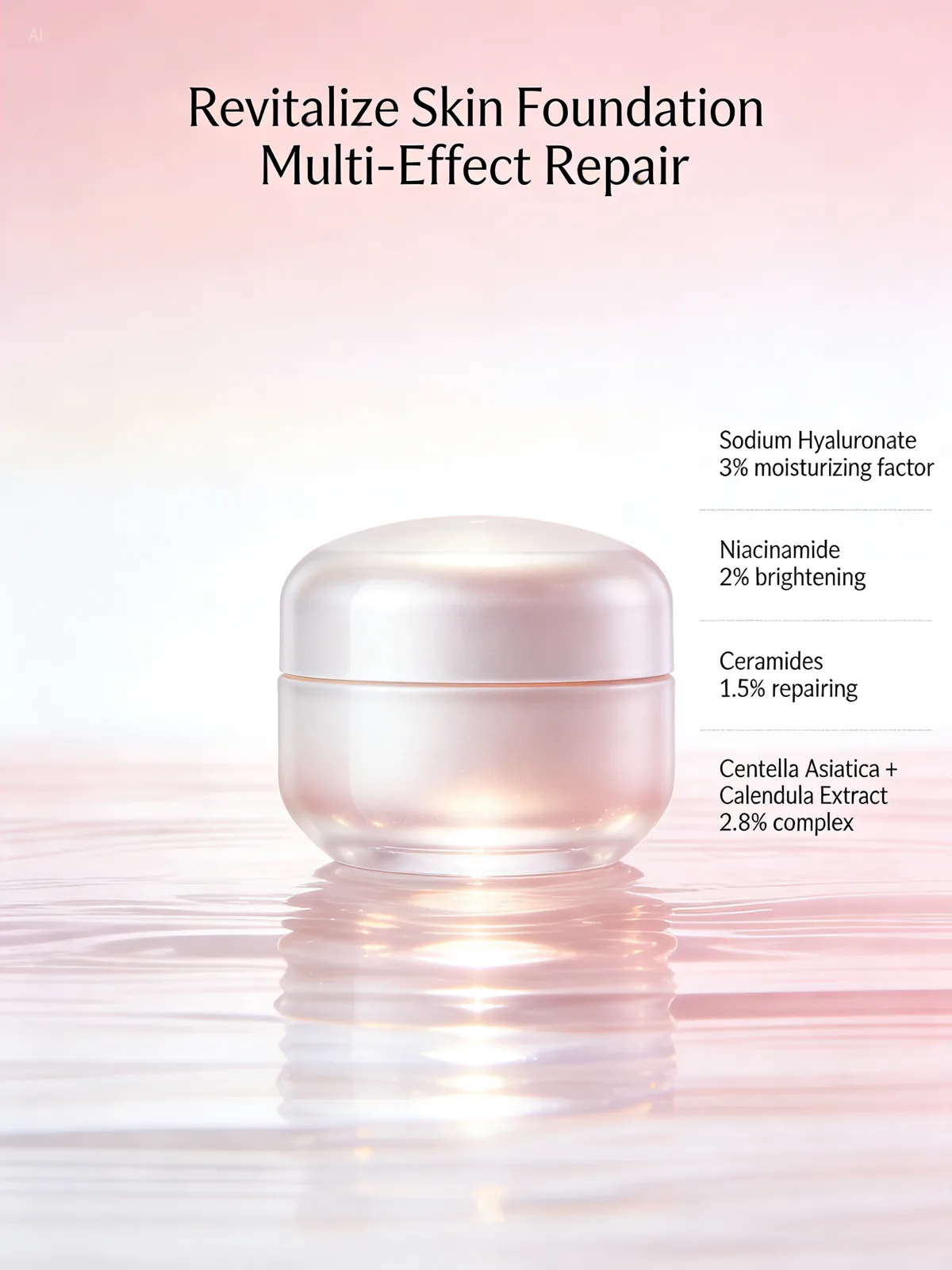
Beauty new product KV design with a pink-white gradient background. The product features soft light reflection. Large text at the top: Revitalize Skin Foundation Multi-Effect Repair. Small text for ingredient description on the right, arranged in sections: Sodium Hyaluronate 3% moisturizing factor; Niacinamide 2% brightening; Ceramides 1.5% repairing; Centella Asiatica + Calendula Extract 2.8% complex.
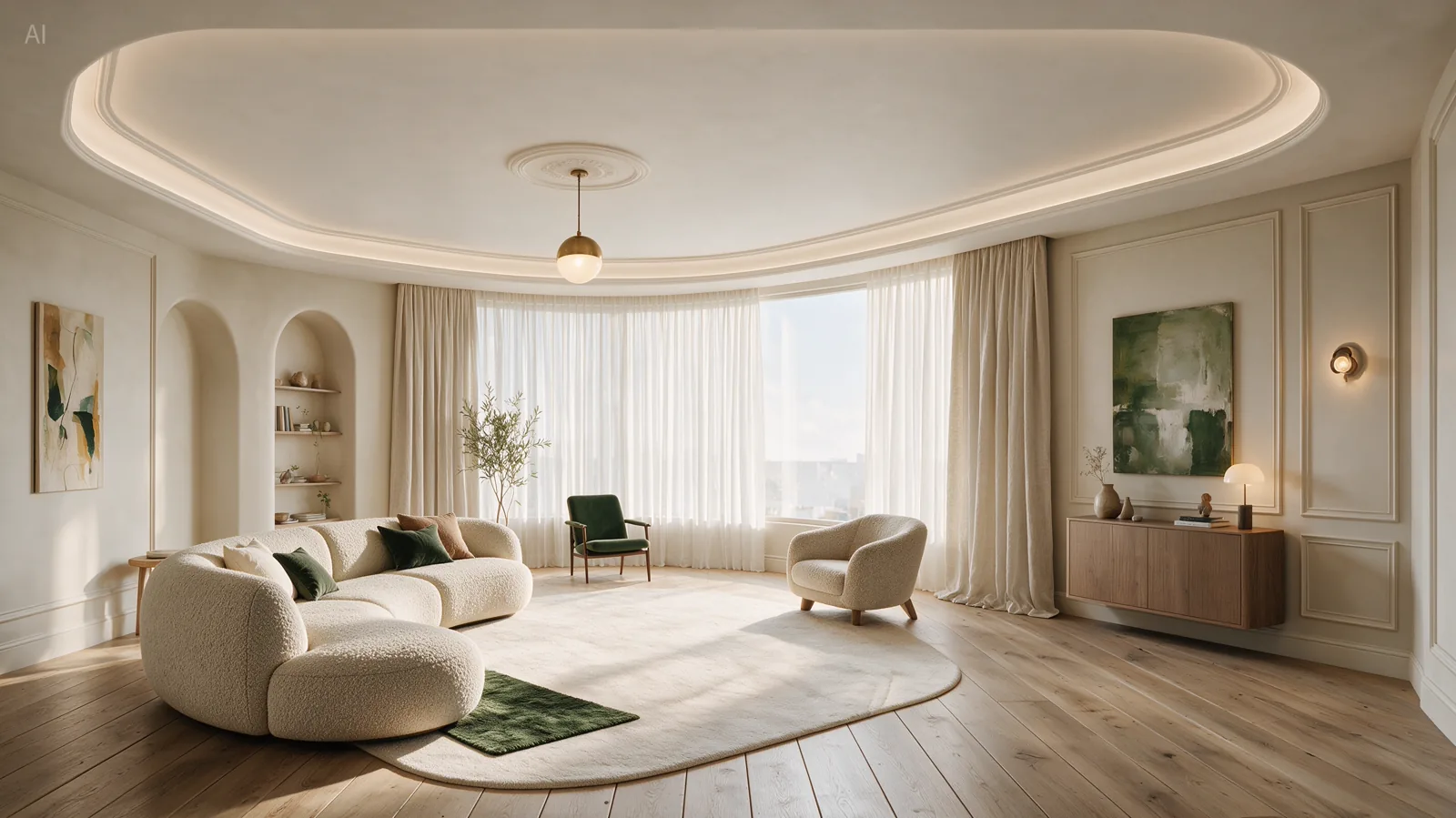
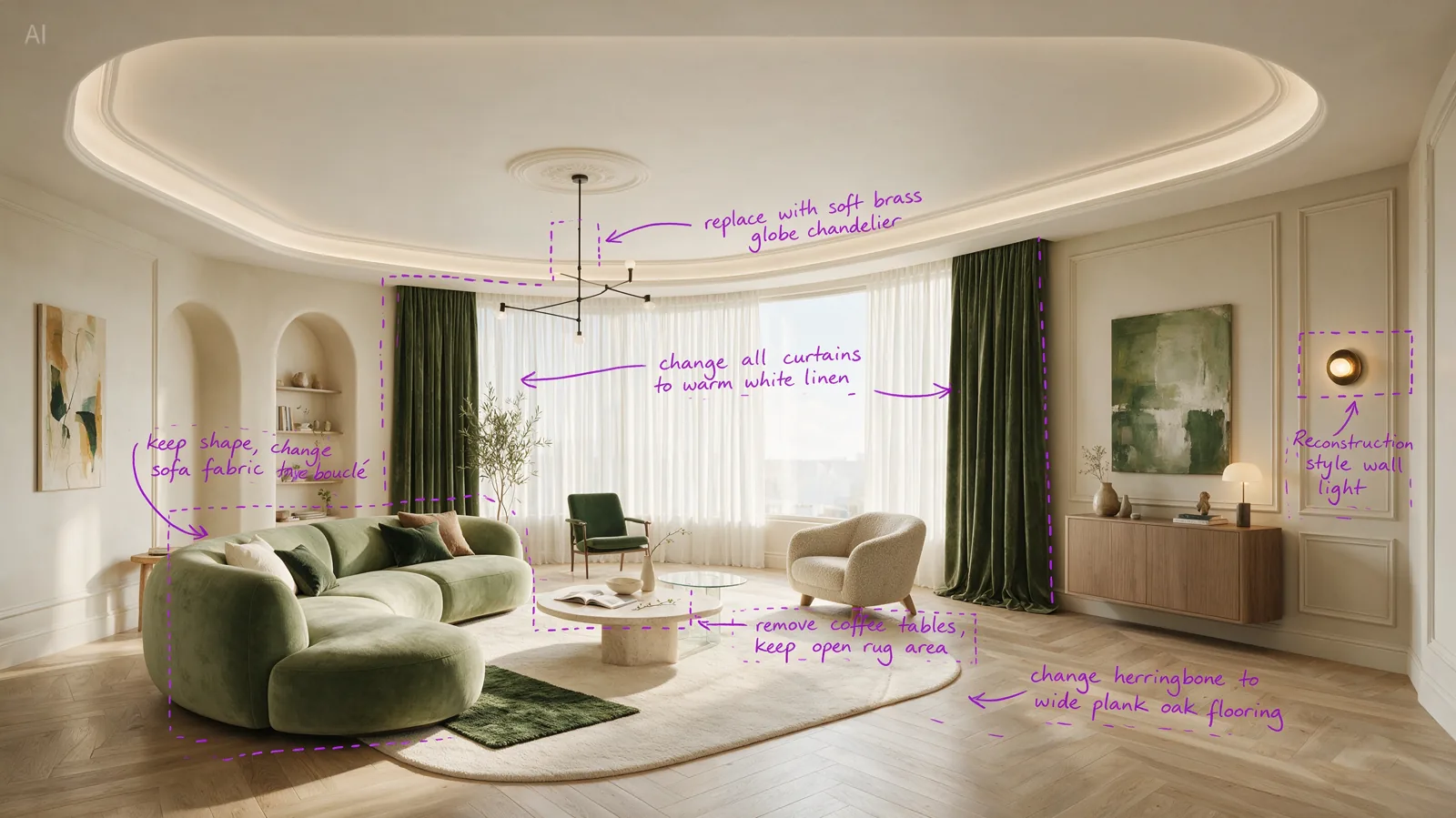 Input
InputPerform precise edits based on the 6 purple boxes and handwritten English annotations in the original image. The goal is to make the living room warmer, lighter, and more realistic.
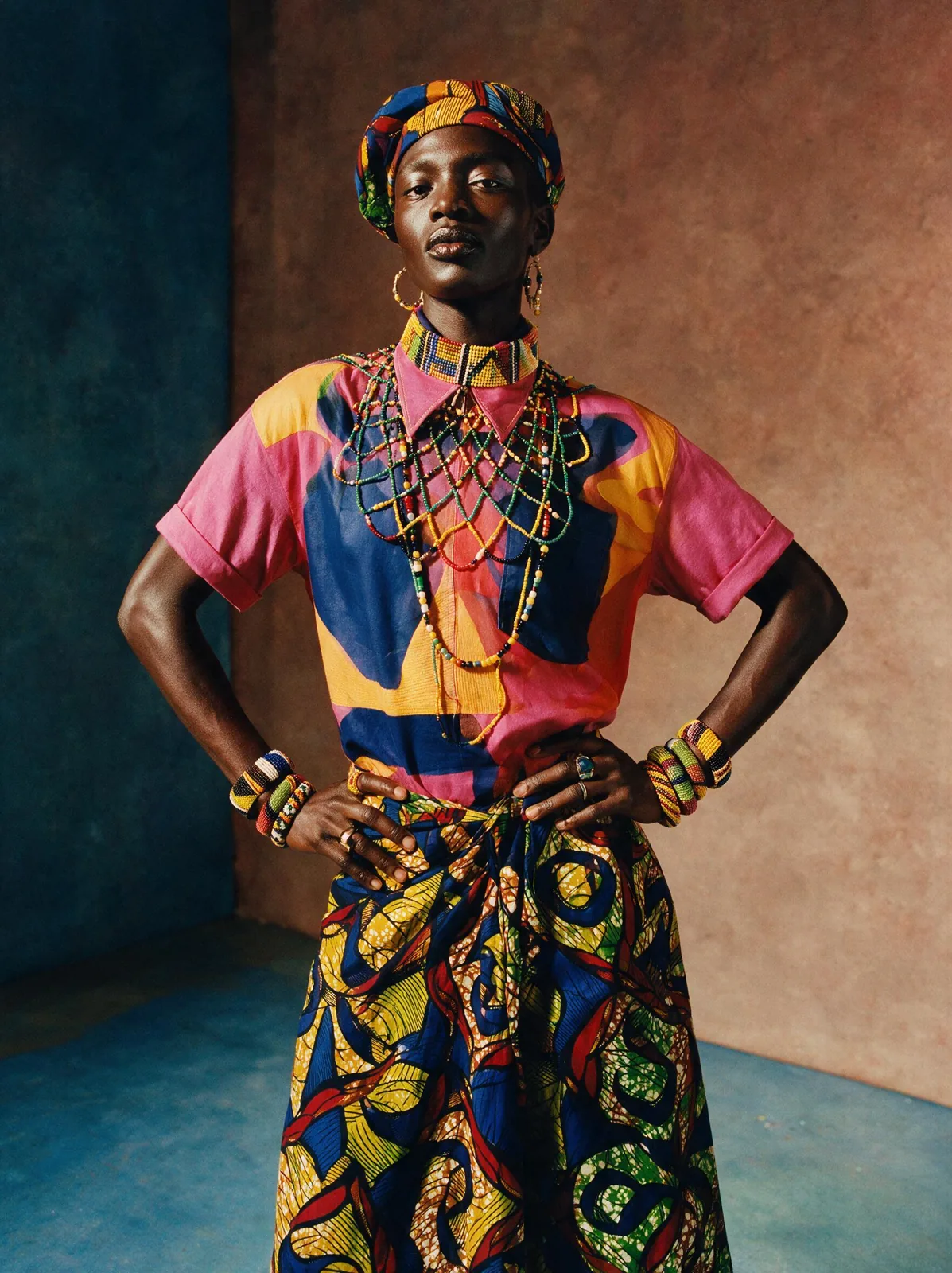
Vibrant editorial of a model in contemporary fashion fused with West African textile patterns and beadwork, Campbell Addy bold aesthetic, saturated palette, dramatic studio lighting, celebratory cultural richness, striking contemporary portraiture
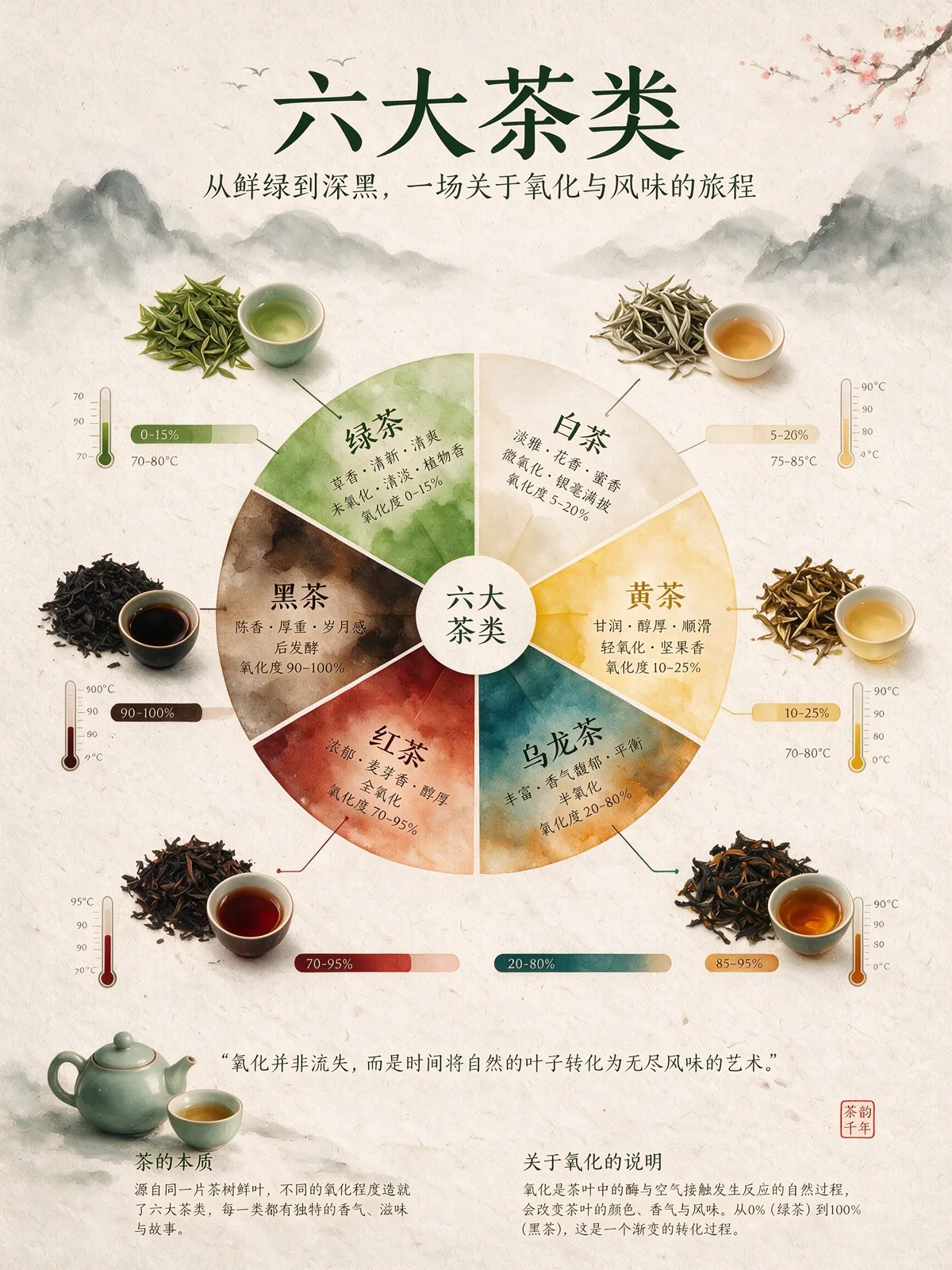
An infographic explaining the six major types of tea. The central focal point is a flavor wheel chart made of delicate watercolor gradients. Around the wheel are top-down images of tea leaves, showing different oxidation states. Connecting lines link the tea leaves to oxidation percentage bar charts and brewing temperature thermometers. The background is textured handmade rice paper. The overall layout is minimalist, zen-like, refined, and well-balanced.

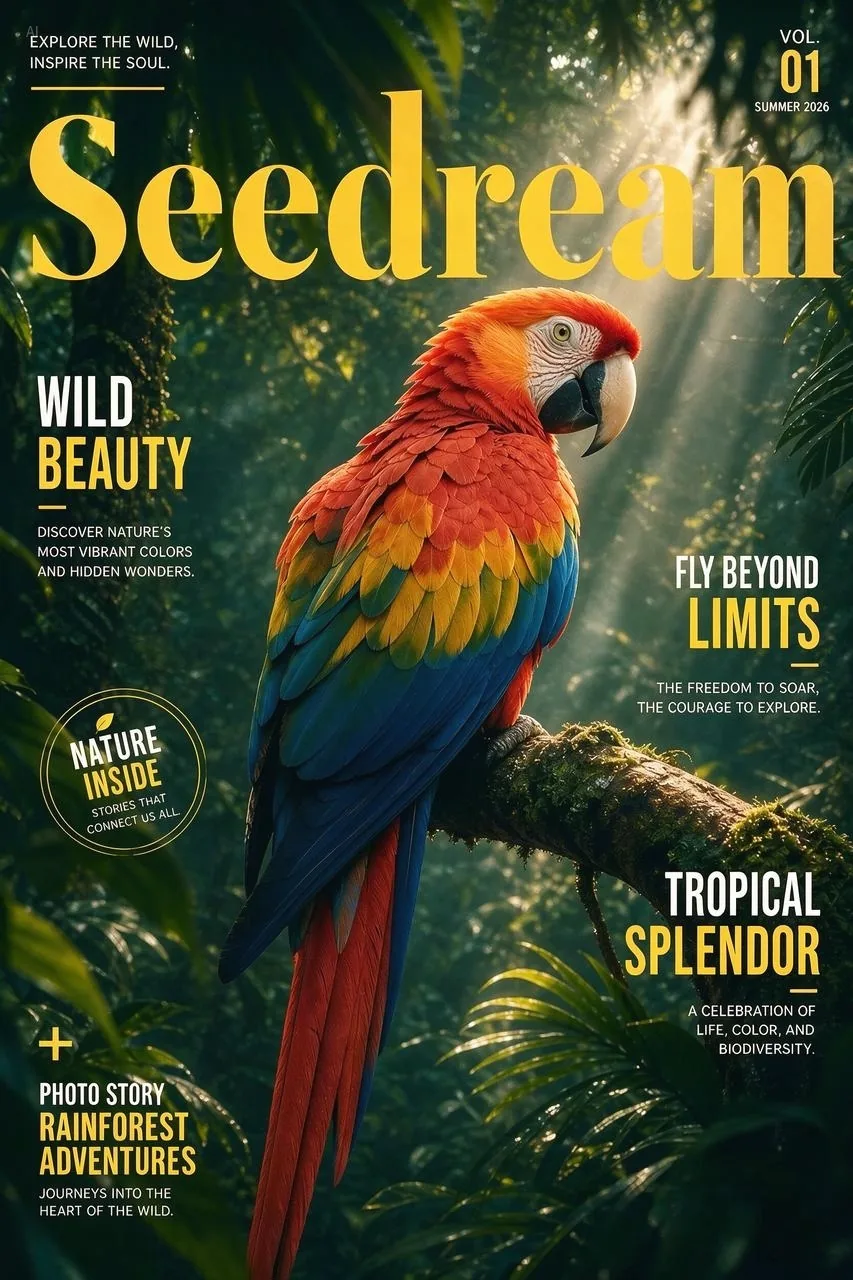 Input
InputSeparate this image into individual layers.
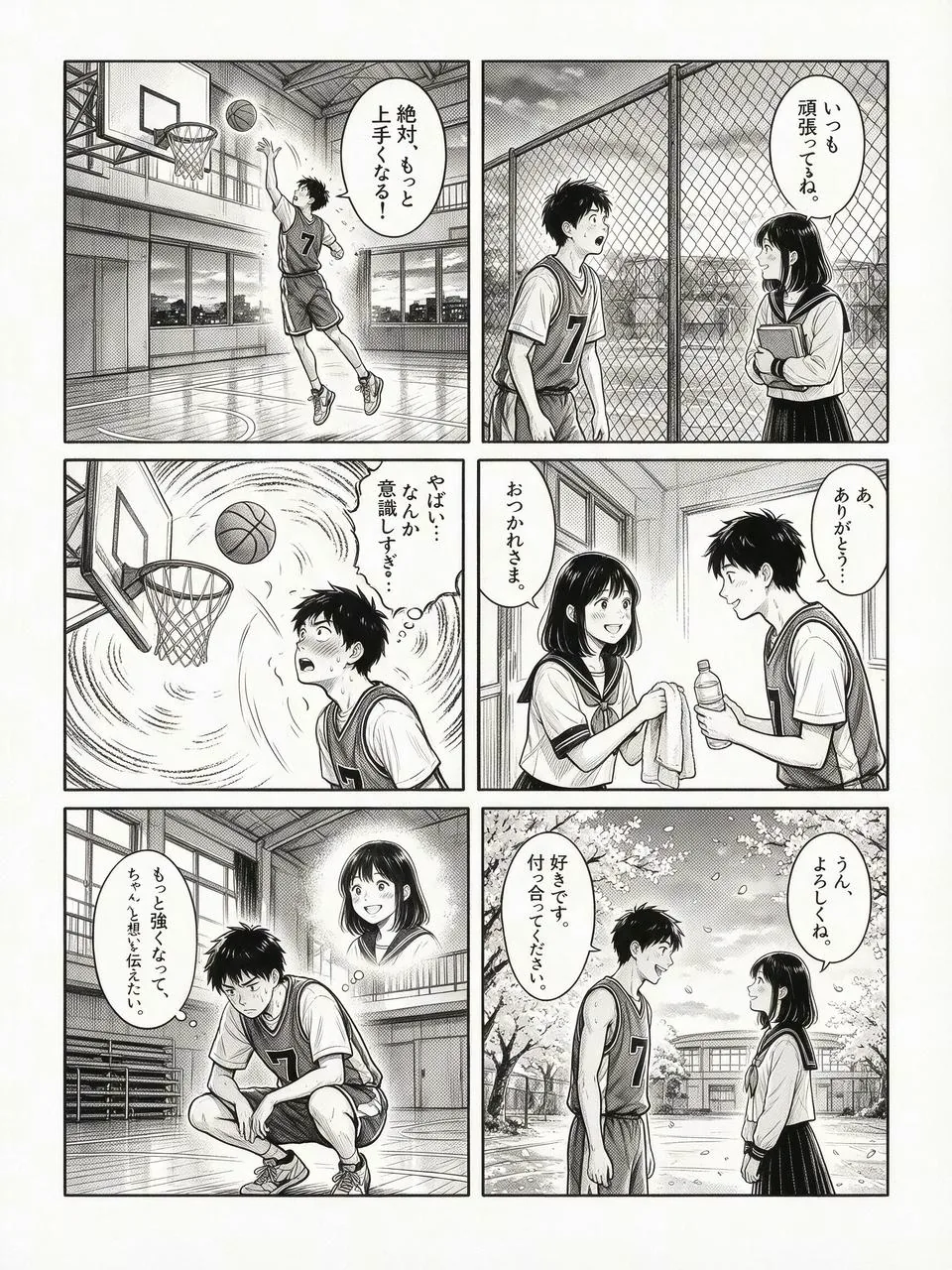
日本の6コマ漫画で、バスケットボールが大好きな高校生男子が、ある女生徒に恋をし、努力と成長を経て想いを伝える青春ラブストーリー。白黒のみで、クリーンな手描きの墨線で描かれている。(A Japanese six-panel manga about a high school boy who loves basketball, falls in love with a female student, and, through effort and personal growth, eventually expresses his feelings. Drawn only in black and white with clean hand-drawn ink lines.)
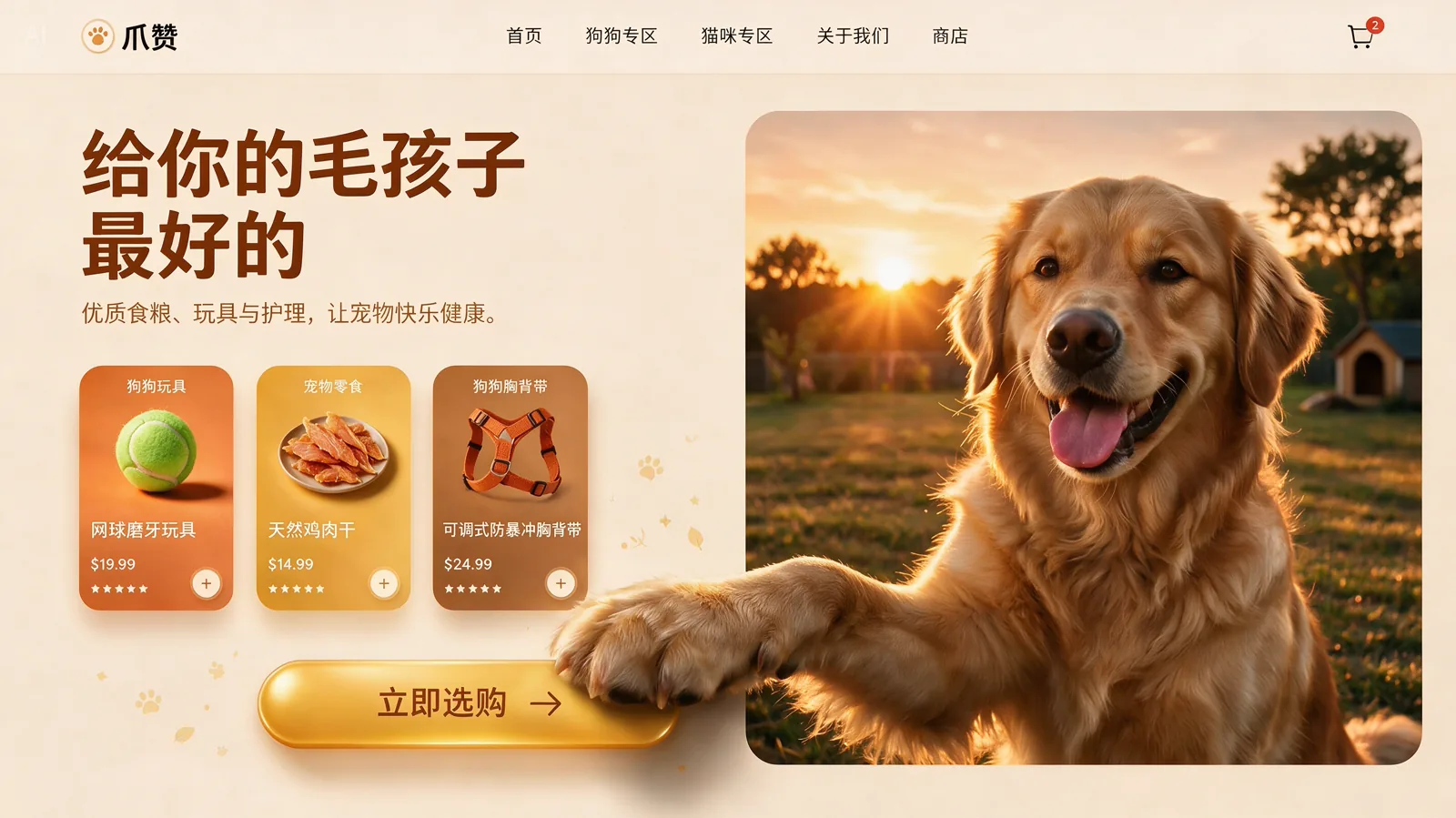
16:9, a pet e-commerce homepage hero banner UI design with warm sunset tones. It features a top navigation header. On the left: a cream-beige background with marketing copy, a product card, and a golden-yellow capsule button. On the right: an image of a Golden Retriever with a 3D effect, where its front paw breaks out of the right frame and rests on the button.
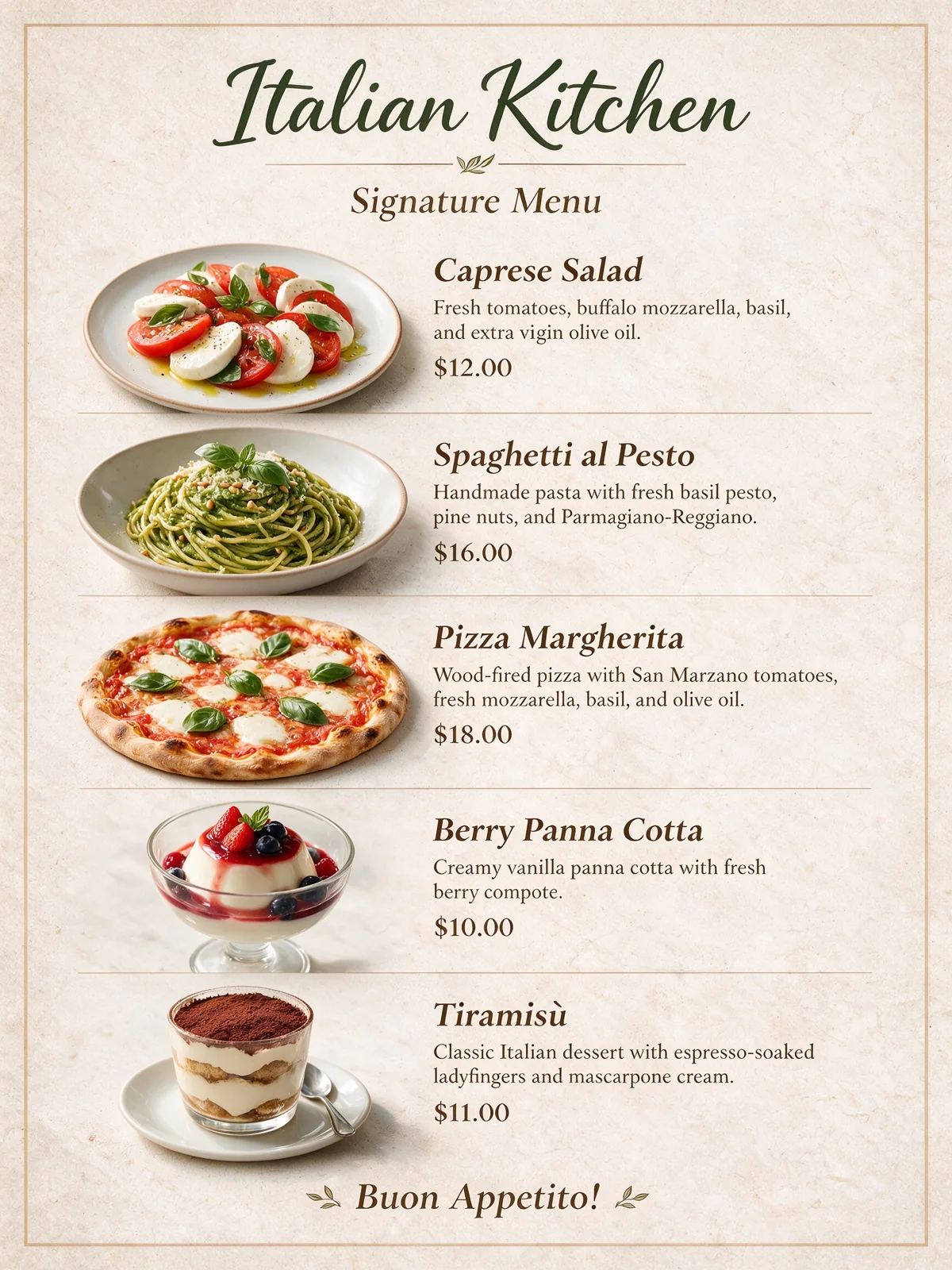
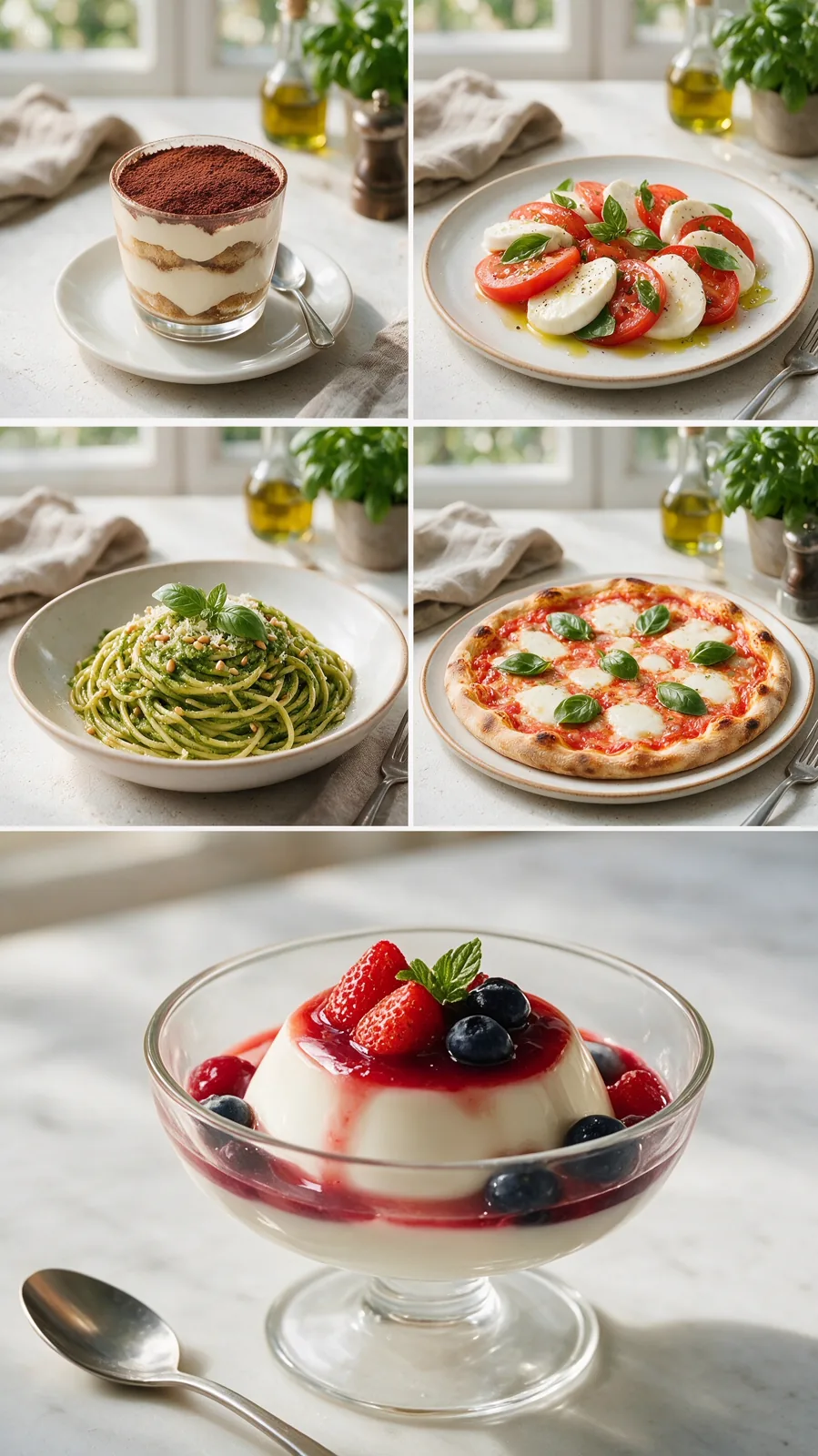 Input
InputThese dishes are the recommended dishes of our restaurant. Use them to create a menu. The restaurant name is “Italian Kitchen.”
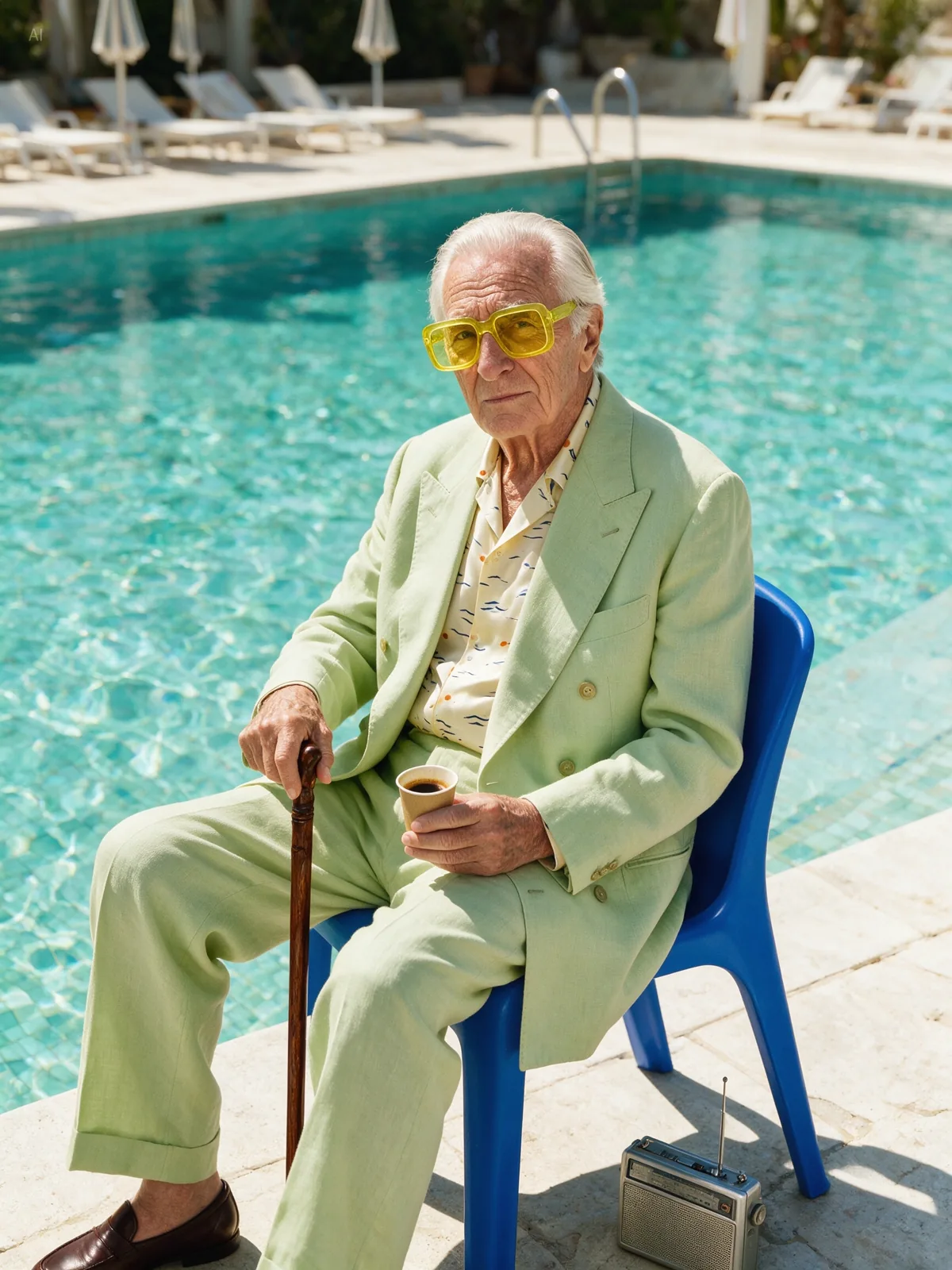
A white elderly man in his seventies or eighties sits alone on a bright cobalt-blue plastic chair beside an outdoor swimming pool, … The man has light skin, expressive wrinkles, silver-white hair, and a confident, slightly bored expression. He looks directly at the camera with calm attitude. He wears oversized square sunglasses with translucent lemon-yellow lenses. …
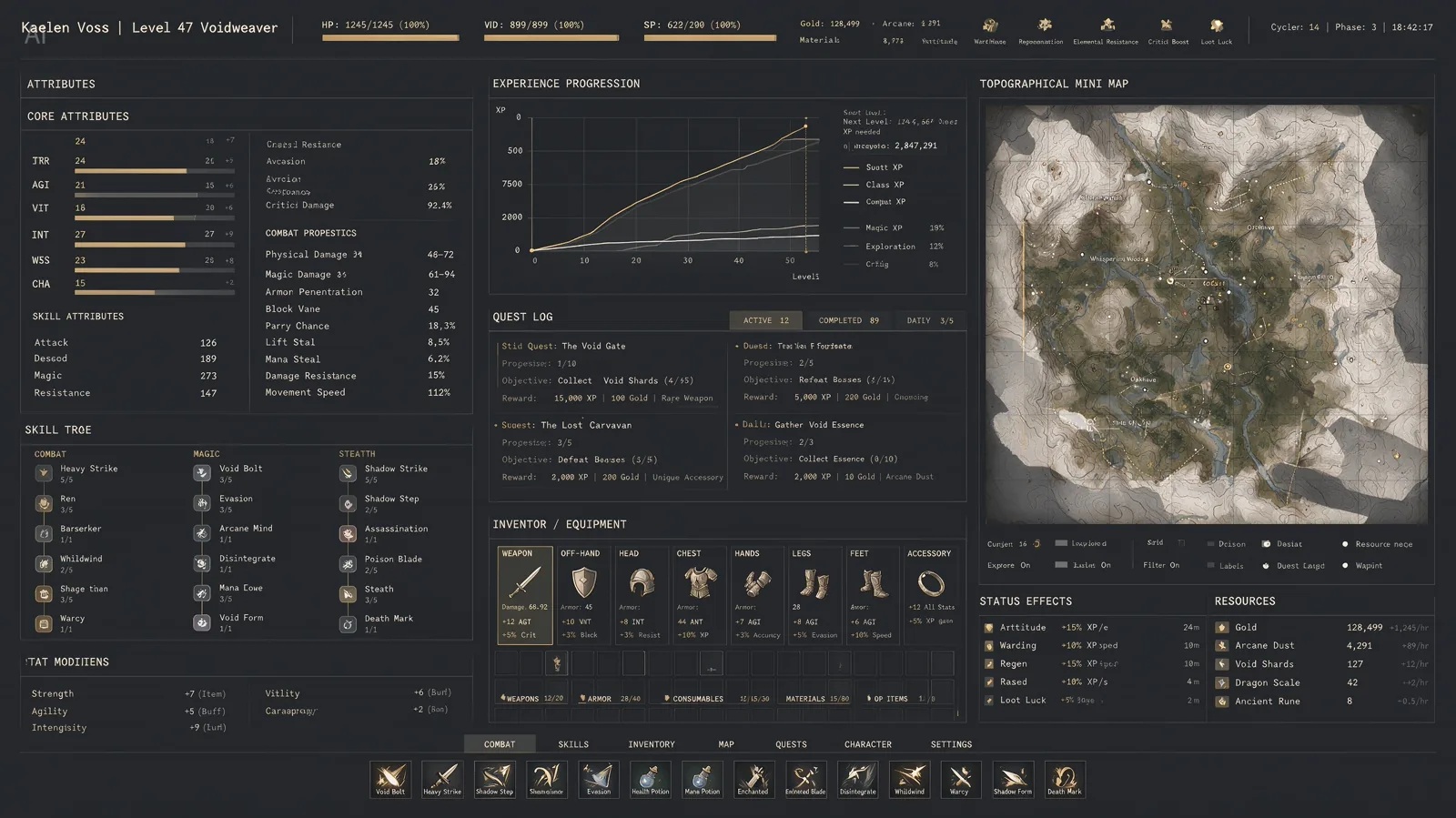
An extremely complex, highly information-dense RPG character interface. The image includes dense columns of character stats, complex line graphs for experience progression, and a massive topographical mini-map. Aesthetic style: high-end industrial functionalism. Deep matte slate-gray background. Crisp white monospaced fonts. Restrained color palette, using muted gold, with 1px grid lines separating all data. Extremely rich in detail.

Crea una infografía vertical 4:5 sobre la cultura del Día de los Muertos en México. Usa ilustraciones claras de altar, flores de cempasúchil, calaveras de azúcar, velas, pan de muerto y fotografías familiares. (Create a vertical 4:5 infographic about the culture of Día de los Muertos in Mexico. Use clear illustrations of an altar, marigold flowers, sugar skulls, candles, pan de muerto, and family photographs. )
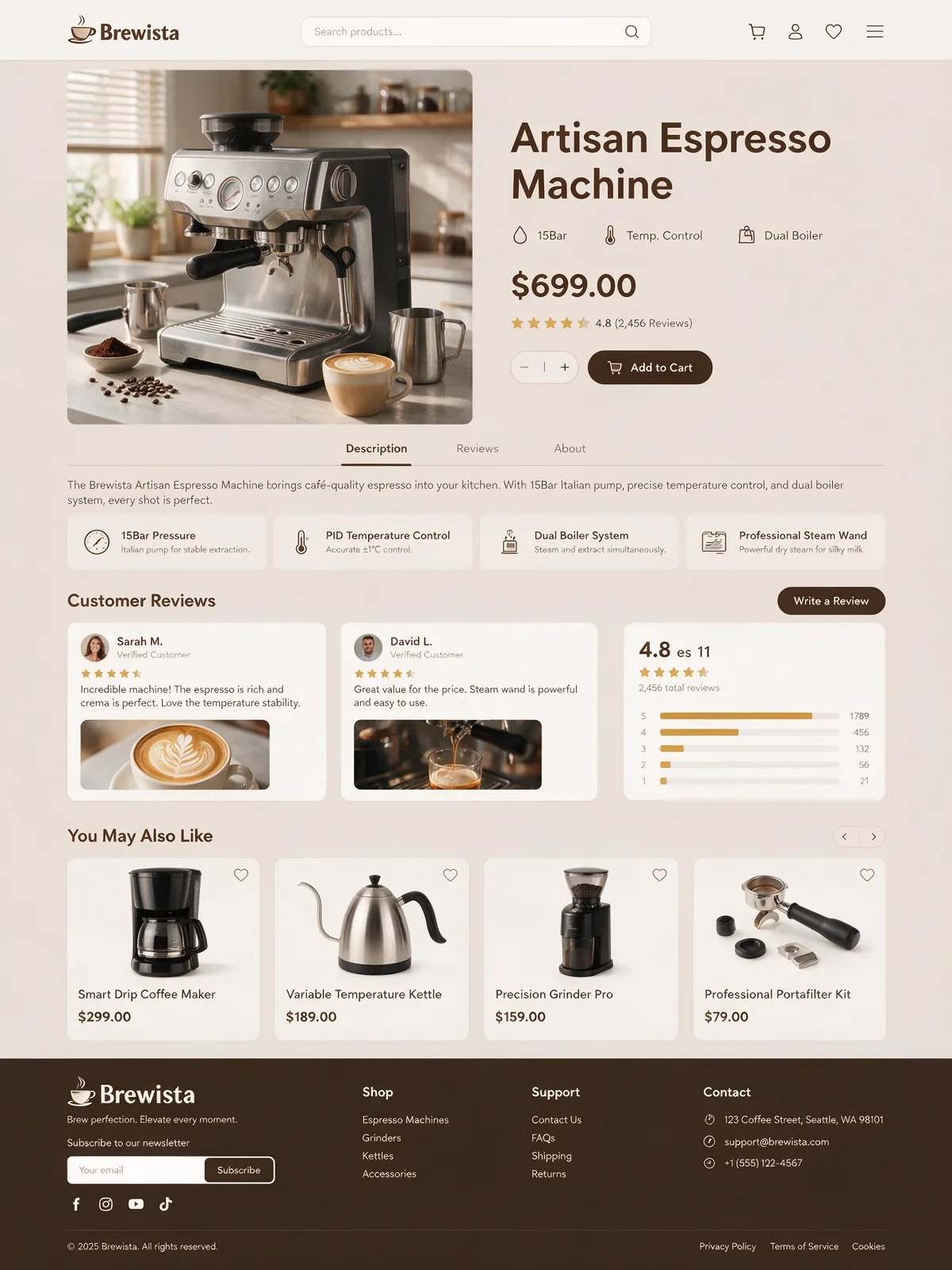
Generate an e-commerce product detail page for a coffee machine.
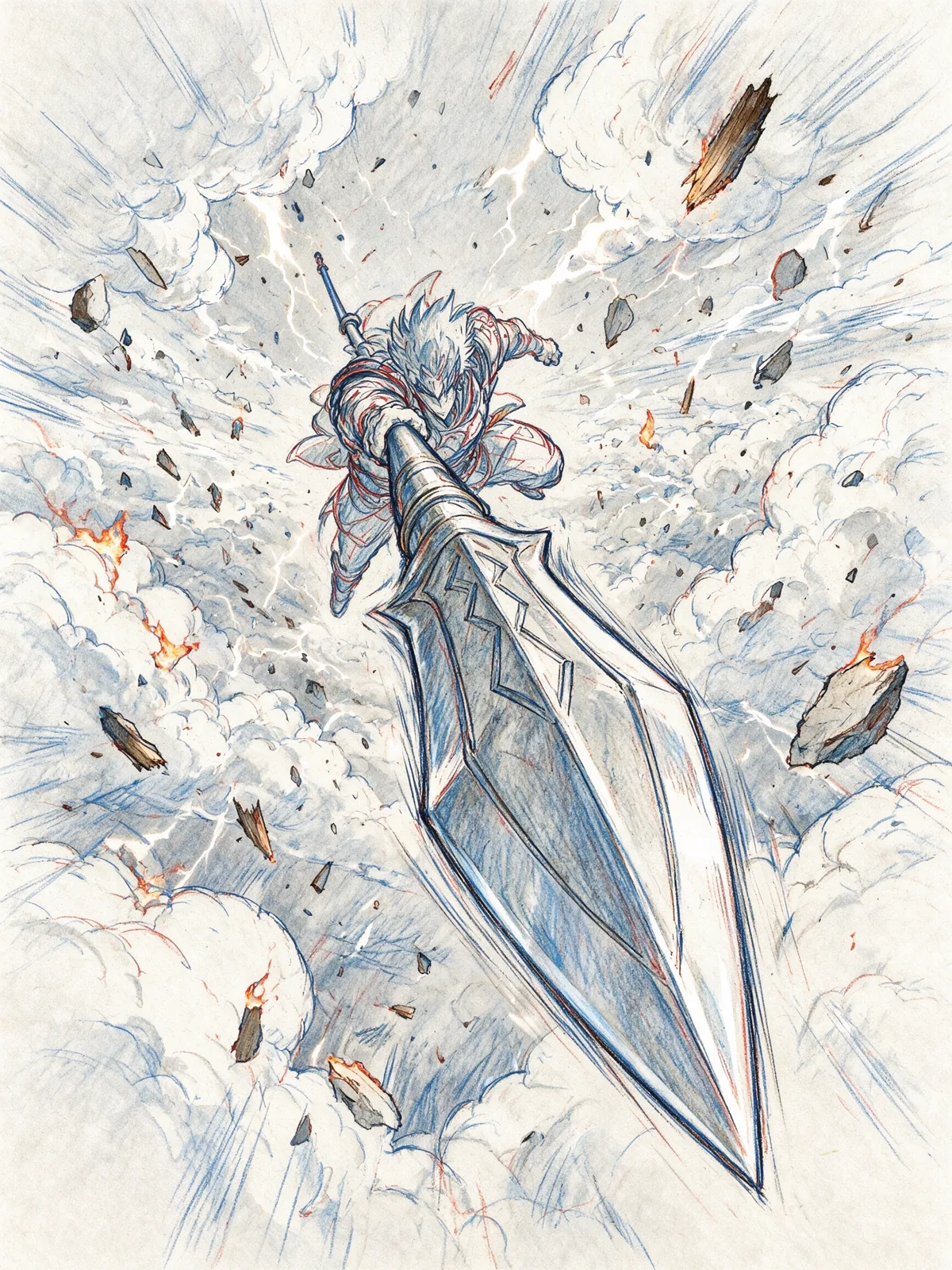
Extreme dynamic foreshortening perspective. A stylized anime warrior dives straight down from the sky, aiming a massive spear directly at the camera lens. Debris floats in the air. Anime studio genga key animation style, with visible blue and red pencil layout lines, high-energy action storyboard.
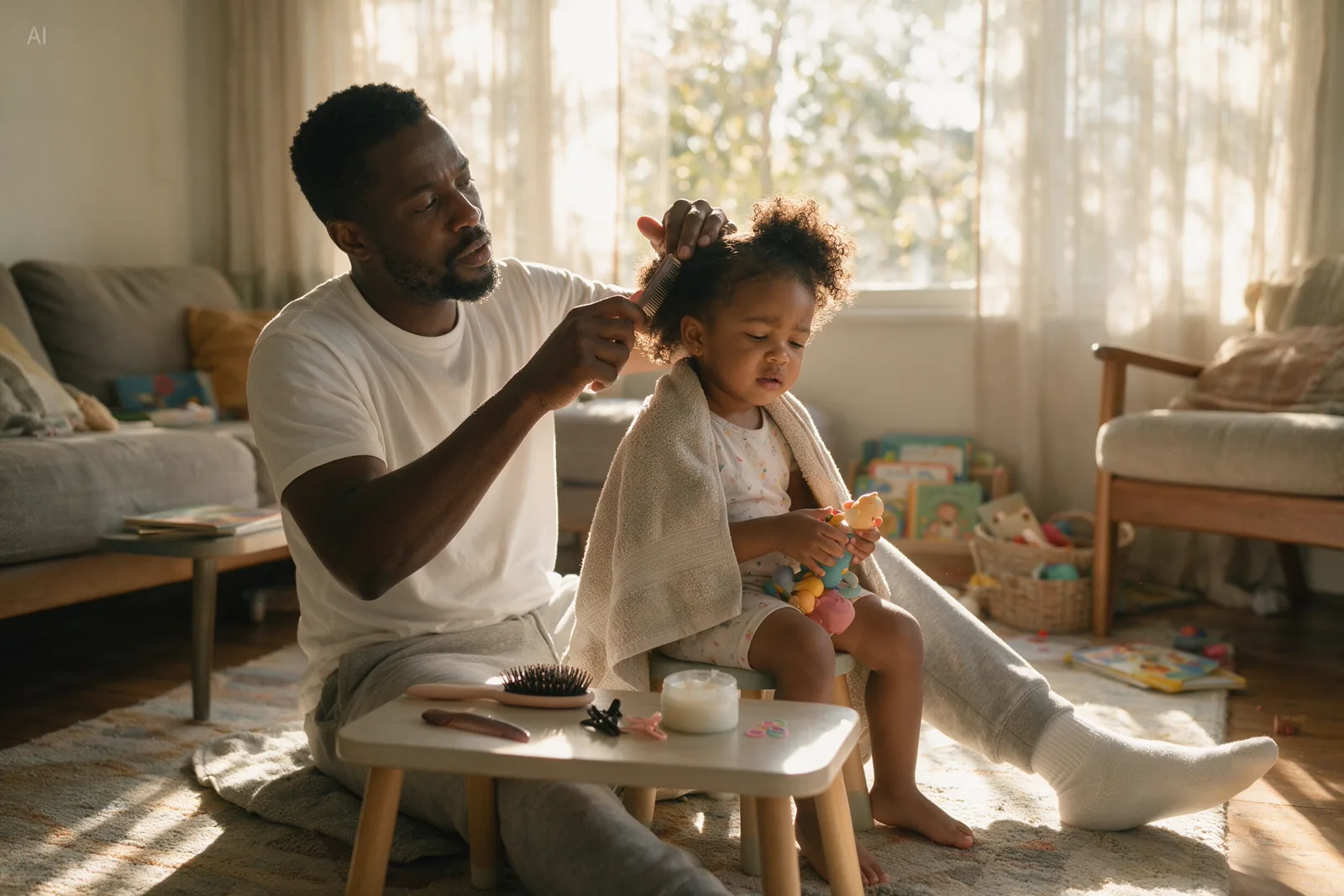
Realistic family-life photography. A Black father is sitting on the living room carpet, combing his young daughter’s hair. The father wears a simple white T-shirt and sweatpants, with a focused expression. The little daughter sits on a small stool in front of him, wrapped in a towel and holding a toy. …
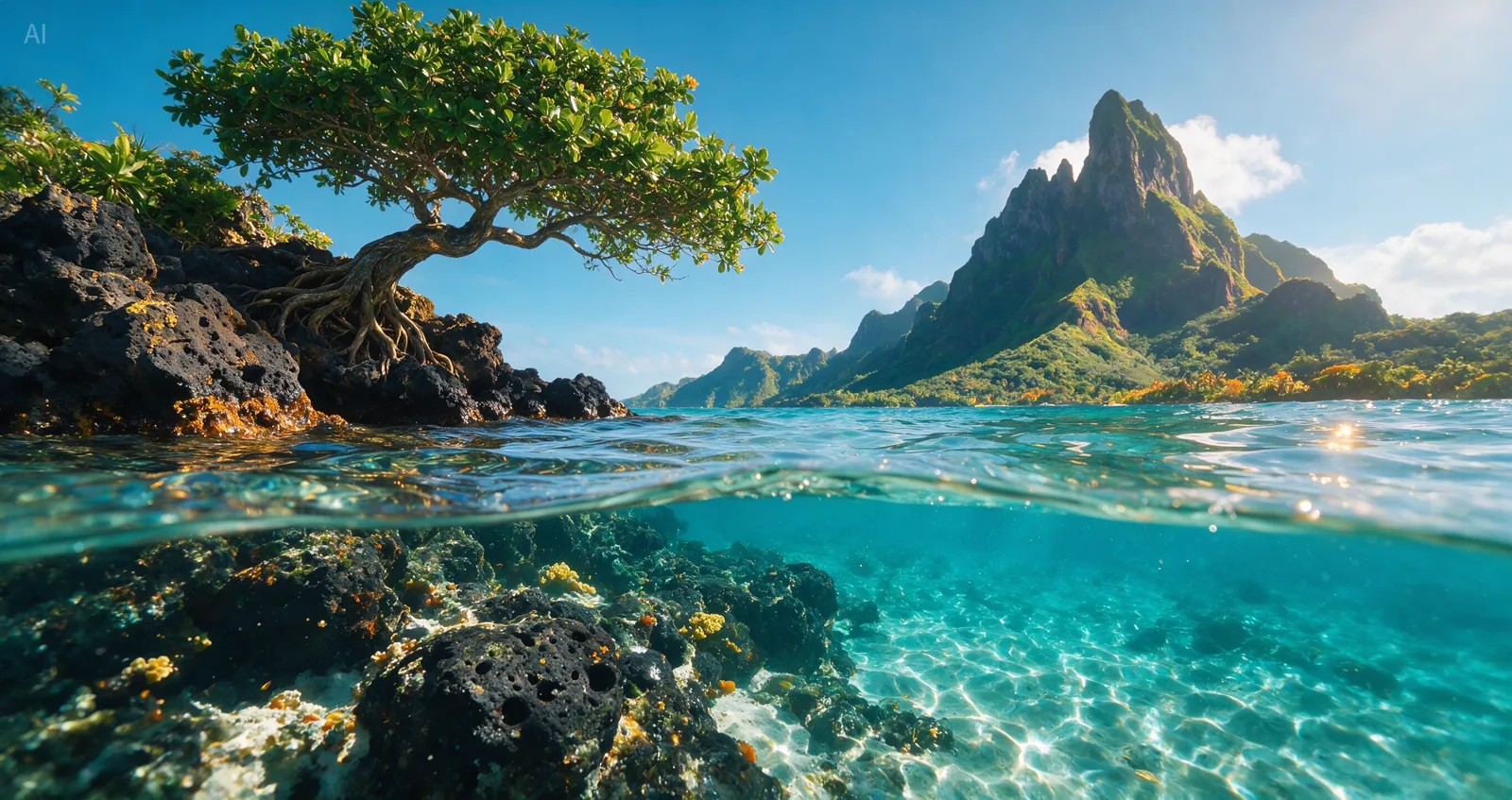
A breathtaking ultra-wide 17:9 split-level tropical lagoon photograph, half above water and half underwater, captured at the edge of a pristine volcanic island coastline. The image should feel like a high-end nature photography competition entry: realistic, immersive, crisp, cinematic, and full of fresh tropical atmosphere …
Seedream 5.5 vs 5.0 Pro vs 4.5
How the coming model lines up against the two Seedream versions you can use on Dolai today.
| Seedream 5.5 | Seedream 5.0 Pro | Seedream 4.5 | |
|---|---|---|---|
| Status on Dolai | Coming soon | Available | Available |
| Highest resolution | 4K at 16:9 | 2K | 4K |
| Multi-round editing | 80+ rounds without drift | Region-precise edits | Unified generate + edit |
| Transparent (RGBA) output | Yes | No | No |
| Layer splitting | Up to 100 layers | Separate tool | No |
| Text in the image | Editable, with font, colour and style | Native text in 14 languages | Strong typography |
| Reference images | Multi-image blending improved | Up to 10 | Up to 10 |
Seedream 5.5 figures are from ByteDance’s preview and may change at release; the other two columns describe the published models. On Dolai, Seedream 5.0 Pro costs 34 credits at 1K and 68 at 2K; Seedream 4.5 costs 20 credits at 2K or 4K.
From a Seedream image to a video
Seedream makes still images; ByteDance’s video models are Seedance. On Dolai the two sit side by side: make a still with Seedream, then switch the box above to Video, attach the image as the first frame and describe how it should move.
Seedance 2.5 keeps the product, face or character from the still and adds motion and sound. The video picker also has the other video models on Dolai, priced per second.
Who Seedream 5.5 is for
E-commerce sellers
Main images, white-background shots and seasonal re-edits of the same product, without the background shifting every round.
Designers
Transparent elements and separate layers that drop straight into a design file, instead of an image you have to cut apart.
Marketing teams
Posters, banners and campaign visuals at 4K, with layout that needs less rearranging before it goes out.
Localization
Change the words on an image for each market while the picture stays exactly the same.
Game studios
Characters and props with consistent texture across many edits, ready to export as layers.
Creators
Covers, thumbnails and stickers, then turn the best still into a short video in the same studio.
How to use Seedream on Dolai
- 1
Describe the image
Type what you want to see. Put the exact words that must appear in quotes, and say where they go.
- 2
Pick a model and size
Seedream 5.0 Pro is selected by default; Seedream 4.5, Nano Banana and GPT Image are a click away. Seedream 5.5 appears in the same list when it launches.
- 3
Create, then animate
The image opens in the studio, where you can download it, refine the prompt or take it into a video.
Seedream 5.5 FAQ
Is Seedream 5.5 released?
Not yet. ByteDance has published a preview of Seedream 5.5’s upgrades but has not opened the model to the public. It is listed on Dolai as Coming soon and will be switched on here as soon as it can be served.
When will Seedream 5.5 come out?
ByteDance has not announced a date. This page will be updated the day the model goes live, and the box above will start on Seedream 5.5 by default.
What is new in Seedream 5.5?
Eight upgrades, according to the preview: stable editing over 80+ rounds, transparent RGBA output, splitting an image into up to 100 layers, recognised and editable text, 4K at 16:9, more realistic products and people, poster-grade layout, and more reliable small text in many languages.
Can I use Seedream now?
Yes. Seedream 5.0 Pro and Seedream 4.5 both run on Dolai today. Seedream 5.0 Pro is the stronger at prompt understanding, dense layouts and text; Seedream 4.5 is the cheaper way to get 4K.
How much does Seedream cost on Dolai?
Seedream 5.0 Pro costs 34 credits per image at 1K and 68 at 2K. Seedream 4.5 costs 20 credits per image at 2K or 4K. New accounts get 100 free credits to start. Seedream 5.5’s price will be shown here when it launches.
Is Seedream the same as Seedance?
No. Both come from ByteDance, but Seedream makes images and Seedance makes video. Switch the box above to Video to use Seedance 2.5, or attach a Seedream image to animate it.
Does Seedream 5.5 support transparent backgrounds?
According to the preview, yes: Seedream 5.5 outputs transparent and semi-transparent RGBA images directly. Seedream 5.0 Pro and 4.5 return images with a background.
Is Dolai made by ByteDance?
No. Dolai is an independent studio that runs ByteDance’s Seedream and Seedance models alongside models from Google, OpenAI and others. Seedream is a trademark of ByteDance.
Be ready for Seedream 5.5
Start with Seedream 5.0 Pro today. Your prompts work the same way when 5.5 arrives.
Create with SeedreamDolai is not affiliated with ByteDance. Seedream and Seedance are trademarks of their owner; sample images are the official samples published for each model.
Related tools
Other Dolai pages that open the same studio, set up for a different job.
- MOSS ImageRun OpenMOSS’s open-source image model online, no ComfyUI needed.
- Dola AI Image to VideoTurn one photo into a Seedance 2.5 video.
- GalleryBrowse sample clips and reuse their prompts.
- AI video modelsEvery video model on Dolai, with what it costs.
- Hotel Lobby AIPut yourself into the Hotel Lobby trend video.