
MOSS Image Generator Online
MOSS-Image is the open-weight 5B text-to-image model OpenMOSS released on October 16, 2026, built for readable text in English and Chinese and for layouts you can set down to the box. Run it here in the browser, with no ComfyUI install, no 10 GB download and no GPU of your own.
- Open source, Apache-2.0
- 5B DiT on the FLUX.2 VAE
- English and Chinese text
- JSON layout prompts
- Prompts up to 4K tokens
- Up to 2K output
Sexually explicit (NSFW) content is strictly prohibited.
MOSS Image is selected. It runs the SFT checkpoint at OpenMOSS’s recommended settings and plans a layout from your prompt before it draws. Other image and video models are in the same list.
What is MOSS Image?
MOSS-Image is a family of text-to-image models from the OpenMOSS team. It is a single-stream diffusion transformer with 5 billion parameters that works in the FLUX.2 latent space, reads prompts through a Qwen3.5-9B text encoder and decodes with the FLUX.2 VAE. The weights are open under the Apache-2.0 license.
It comes as two checkpoints. MOSS-Image Base is the pre-trained model, meant for LoRA training and fine-tuning. MOSS-Image SFT is Base tuned on curated data, and is the one to use for finished images and layouts. Both take natural-language prompts, booru-style tag lists, or a JSON layout that places text and objects by bounding box.
Its strength is text inside the picture. Signs, menus, posters and handwritten notes come out spelled right in English and Chinese, line breaks included. ComfyUI added native support on release day, and the community quickly followed with int8 and GGUF quantizations and an 8-step turbo LoRA.
Made with MOSS Image
Eighteen images: the ones marked “on Dolai” came out of the box above in a single run at its default settings, and the rest are official outputs OpenMOSS published with their prompts. Use any prompt to start your own.
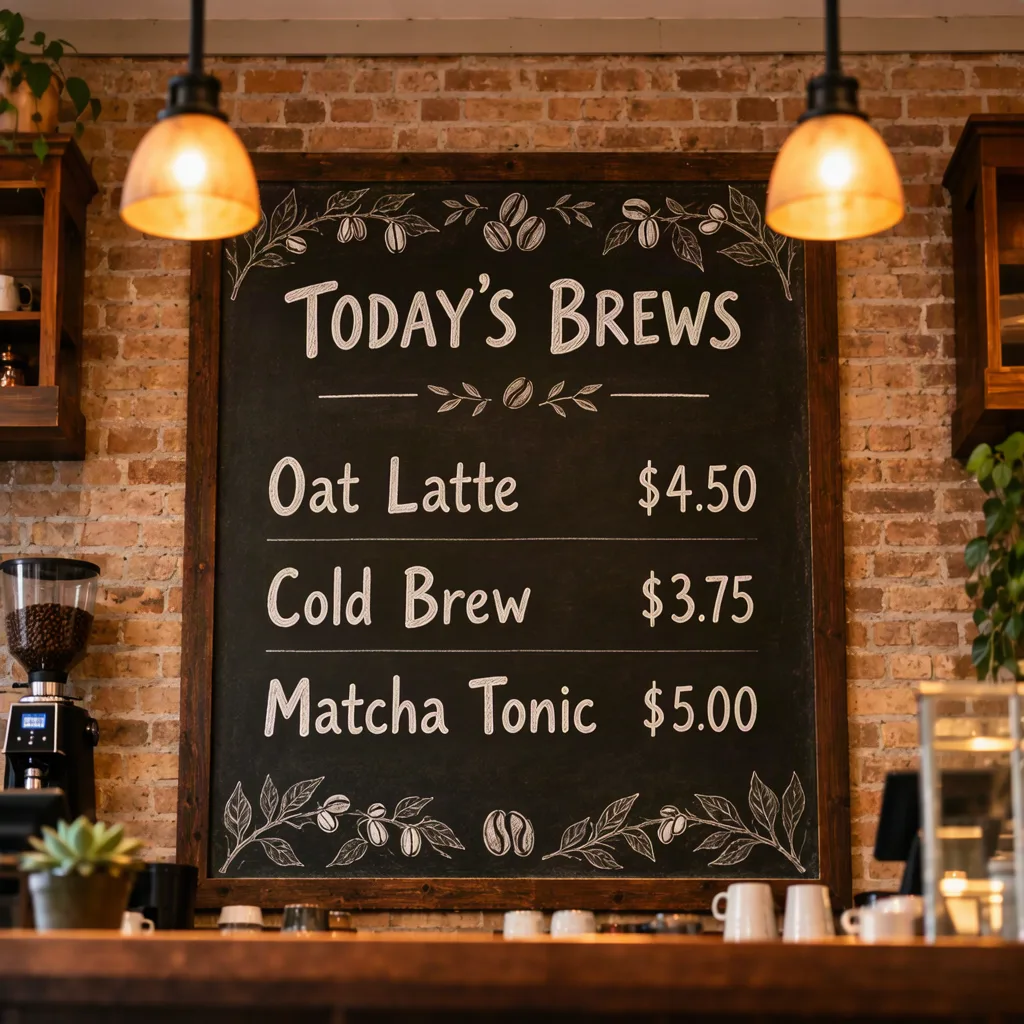
A cozy coffee shop chalkboard menu hanging behind the counter. Hand-lettered white chalk text: "TODAY'S BREWS" at the top, then "Oat Latte $4.50", "Cold Brew $3.75", "Matcha Tonic $5.00". Small doodles of coffee beans and leaves around the edges, warm pendant lights.
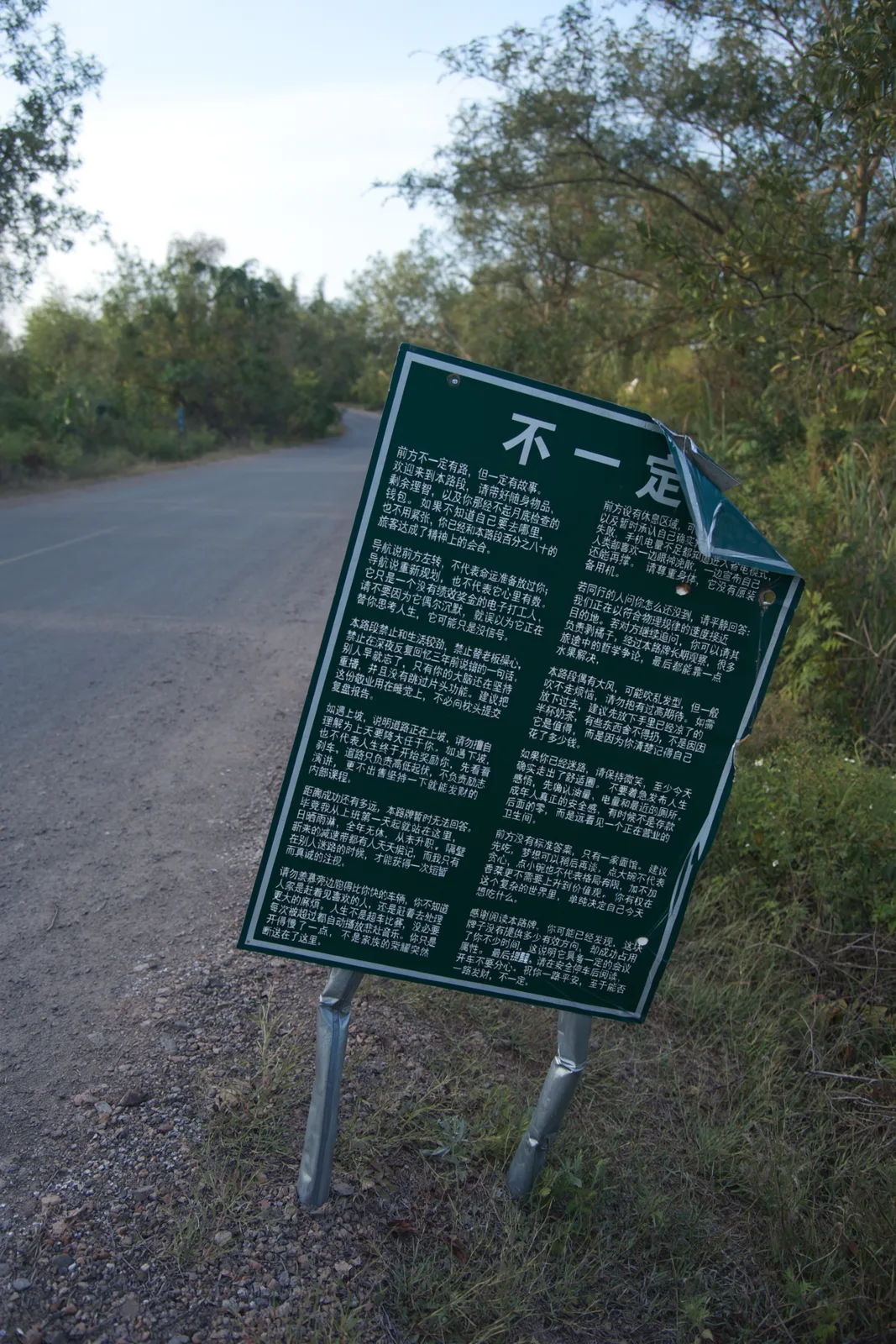
A relaxed, photorealistic environmental photograph at pedestrian eye level along a quiet rural road. A battered dark green notice sign stands on the gravel-and-grass shoulder, naturally integrated into the landscape and occupying approximately one fifth of the image area. The road fills much of the left and lower frame and curves toward distant trees. The sign leans and has a localized sheet-metal fold, with a centered white heading and two dense columns of a humorous Chinese essay printed on the metal, bending with the fold. …
Source: OpenMOSS/MOSS-Image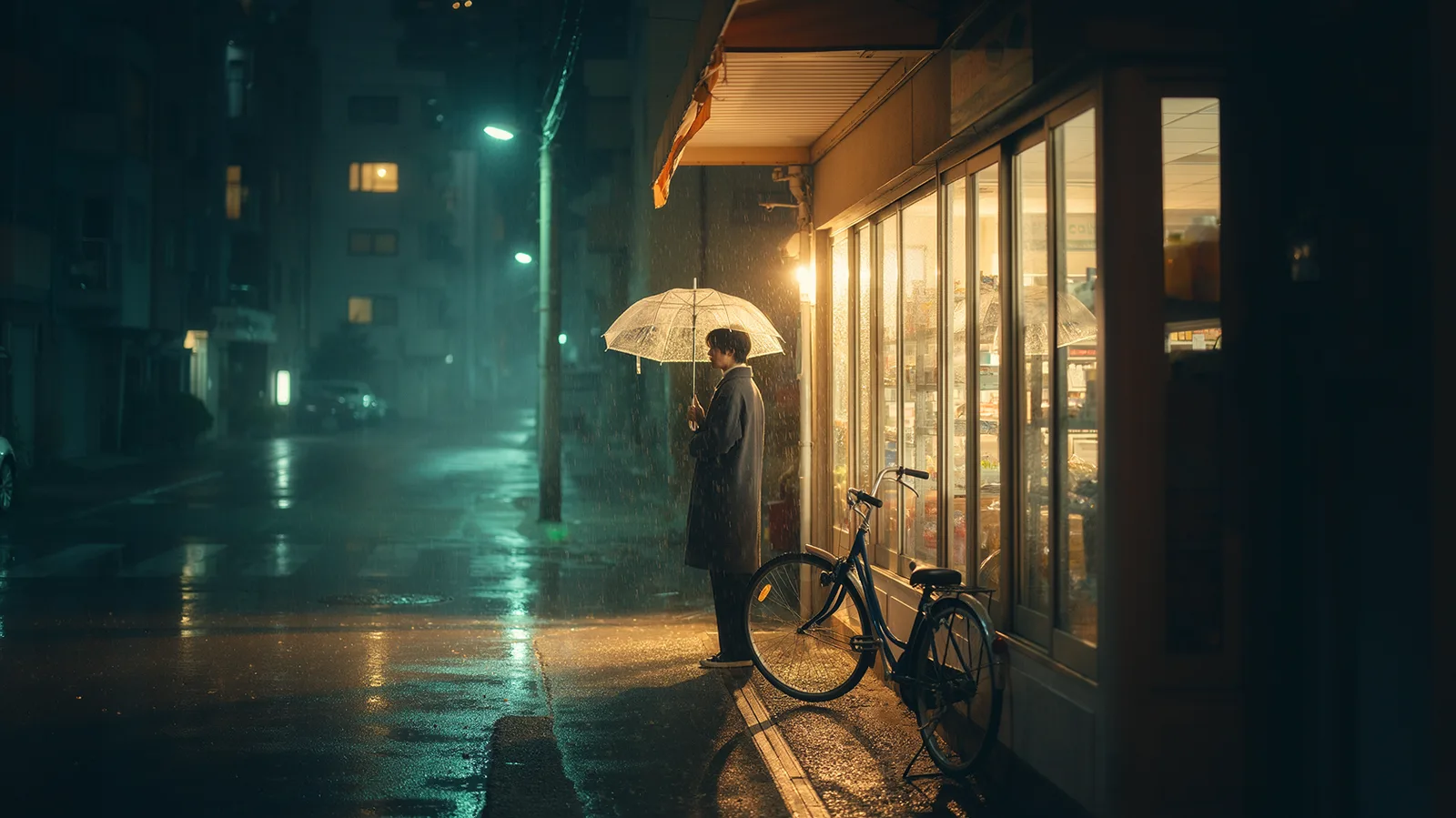
A cinematic, photorealistic nighttime scene of a small neighborhood convenience store on a quiet, rain-soaked street. The warmly illuminated storefront occupies the right half of the frame, while the street recedes into soft mist on the left. A lone young adult wearing a charcoal coat stands just outside the entrance beneath a transparent umbrella, seen in three-quarter rear view, gazing through the glass. Amber light reveals shelves inside and spills across the sidewalk, mingling with muted teal neon reflections in shallow puddles. Individual raindrops bead on the umbrella and catch the storefront light; fine streaks of rain remain visible against the darker street. A slightly weathered bicycle leans beside the entrance. Distant apartment windows and a few out-of-focus streetlights add depth without distracting from the figure. Eye-level wide shot, 35mm lens aesthetic, natural perspective, balanced negative space, restrained teal-and-amber color grading, realistic wet asphalt and glass textures, soft highlight bloom, subtle film grain, and gentle atmospheric depth. Quiet, intimate, and nostalgic rather than dramatic; believable lighting, with the figure clearly silhouetted against the warm window. No prominent readable lettering, logos, or watermarks.
Source: OpenMOSS/MOSS-Image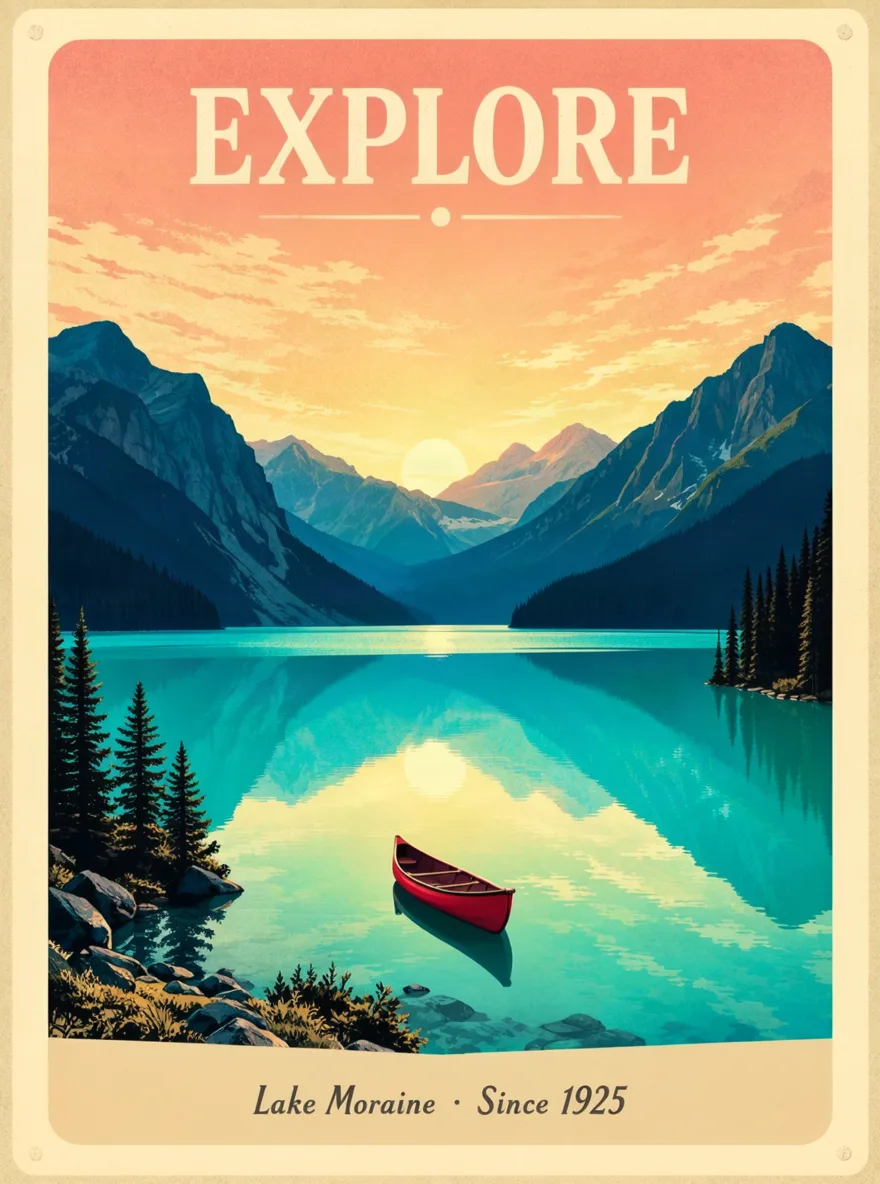
A vintage travel poster for a mountain lake. Bold cream serif headline at the top reads "EXPLORE". Below it a deep blue mountain range reflected in a turquoise lake, a small red canoe in the foreground, warm sunrise sky, flat screen-print texture. Small text at the bottom reads "Lake Moraine · Since 1925".
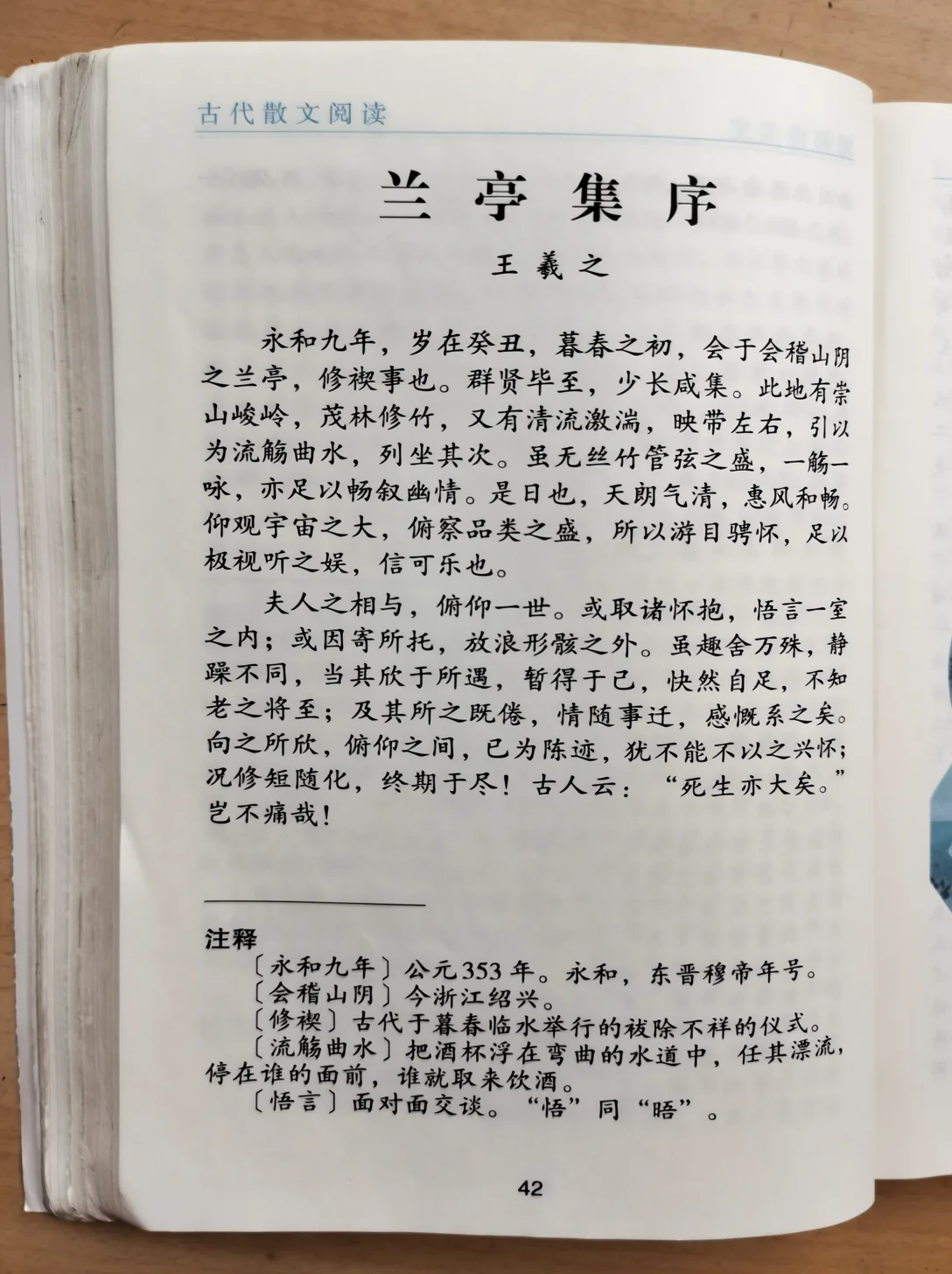
A realistic editorial photograph of an open Chinese senior-school literature textbook on a warm wooden study desk. The printed lesson presents Wang Xizhi's Lanting preface in authentic simplified Chinese, with carefully typeset classical prose and compact explanatory footnotes. Use a nearly overhead camera, natural window light, subtle paper translucency, gently curved pages, and soft binding shadows. The image should feel like an ordinary student's clean textbook snapshot rather than a designed poster, with crisp readable printing and restrained, believable photographic texture.
Source: OpenMOSS/MOSS-Image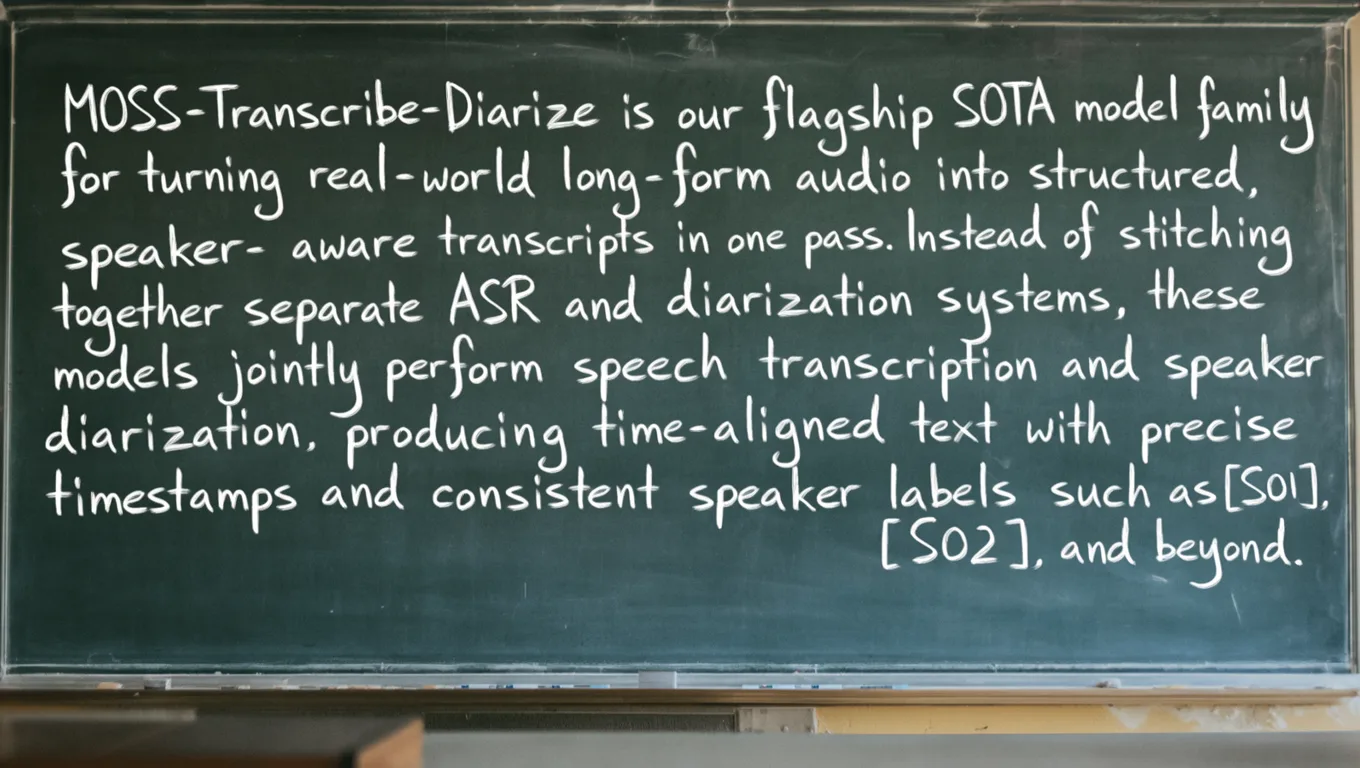
A candid classroom photograph, slightly off-center, with a worn dark green chalkboard filling most of the frame. Uneven window light, soft shadows, chalk dust, eraser streaks, subtle camera grain. Visible board frame and chalk tray, a blurred desk corner in the foreground. Natural, slightly irregular white chalk handwriting—not polished typography or a flat blackboard graphic. Keep all text sharp, fully visible, and free of glare. The chalkboard reads exactly: "MOSS-Transcribe-Diarize is our flagship SOTA model family for turning real-world long-form audio into structured, speaker- aware transcripts in one pass. Instead of stitching together separate ASR and diarization systems, these models jointly perform speech transcription and speaker diarization, producing time-aligned text with precise timestamps and consistent speaker labels such as [S01], [S02], and beyond."
Source: OpenMOSS/MOSS-Image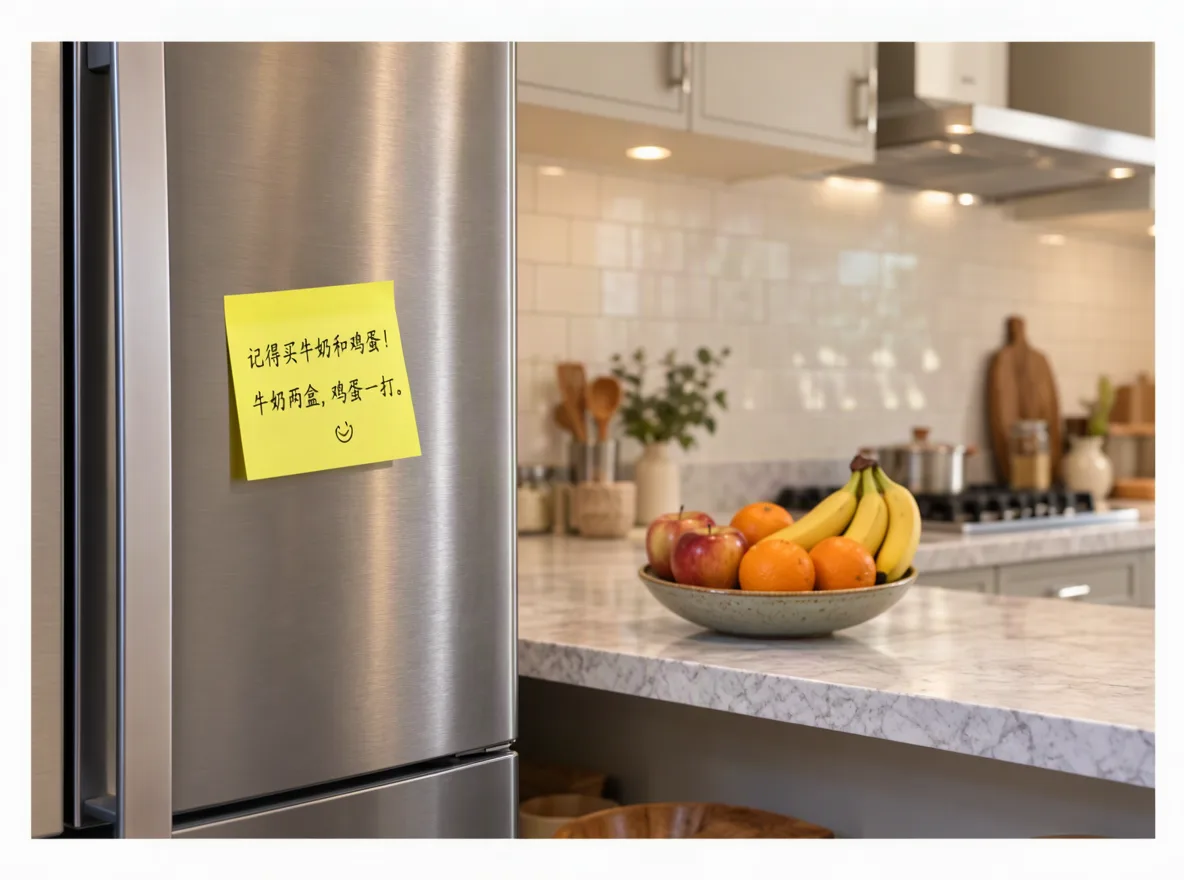
A wide view of a refrigerator beside a kitchen counter with a fruit bowl. A small yellow sticky note on the refrigerator door is handwritten in Chinese: "记得买牛奶和鸡蛋! 牛奶两盒,鸡蛋一打。"
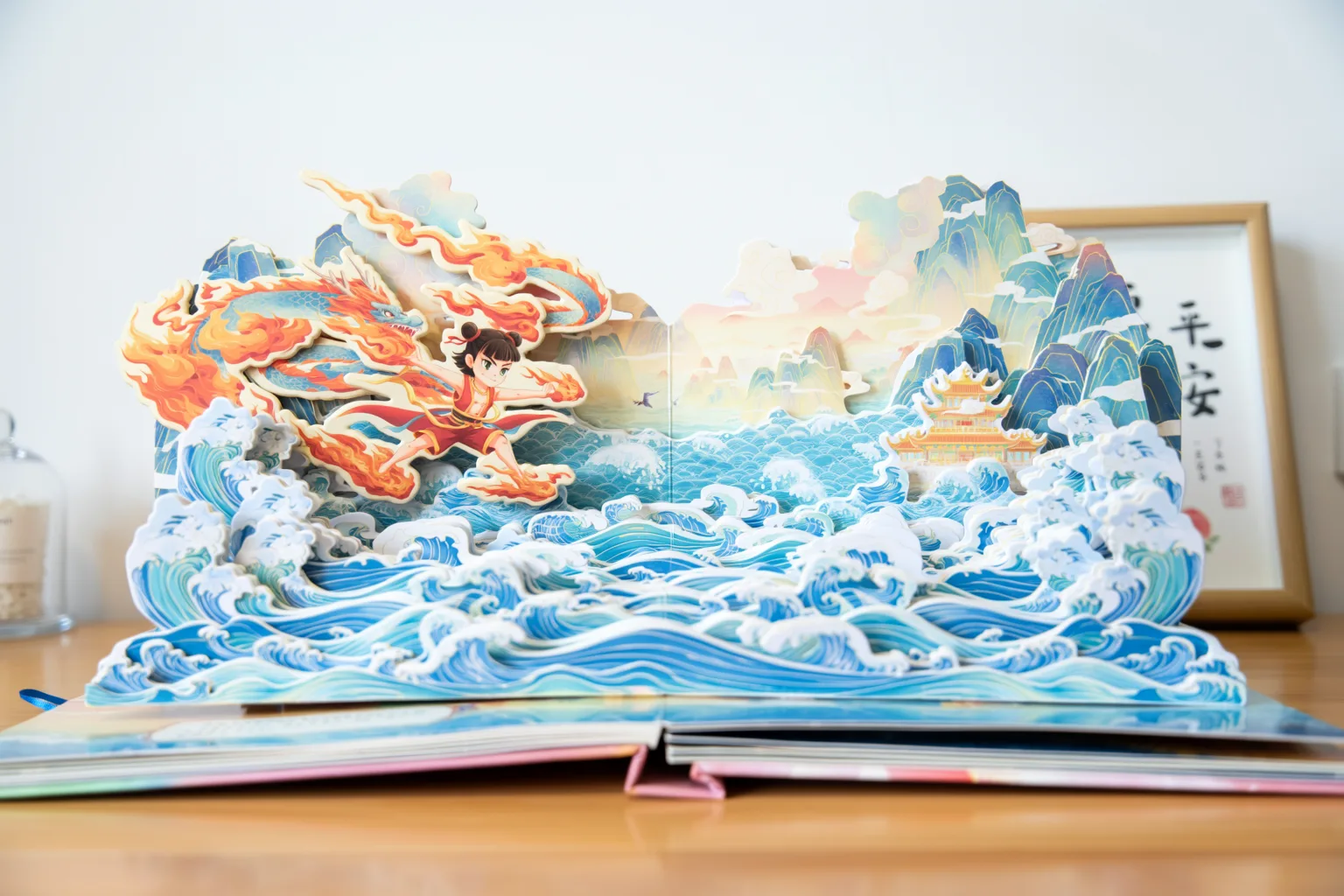
多层折叠式纸雕立体绘本,放在一张书桌上,背景纯净突出主题,比例 3:2 横版。翻开的跨页呈现「哪吒闹海」的场景:脚踏风火轮的少年、翻涌的层叠海浪与龙宫剪影,所有元素皆可精细折叠组合,呈现逼真细腻的纸张折叠质感与多层景深。构图统一采用正面视角,整体视觉梦幻唯美,色彩缤纷绚丽,充满奇幻生动的故事氛围。
Source: OpenMOSS/MOSS-Image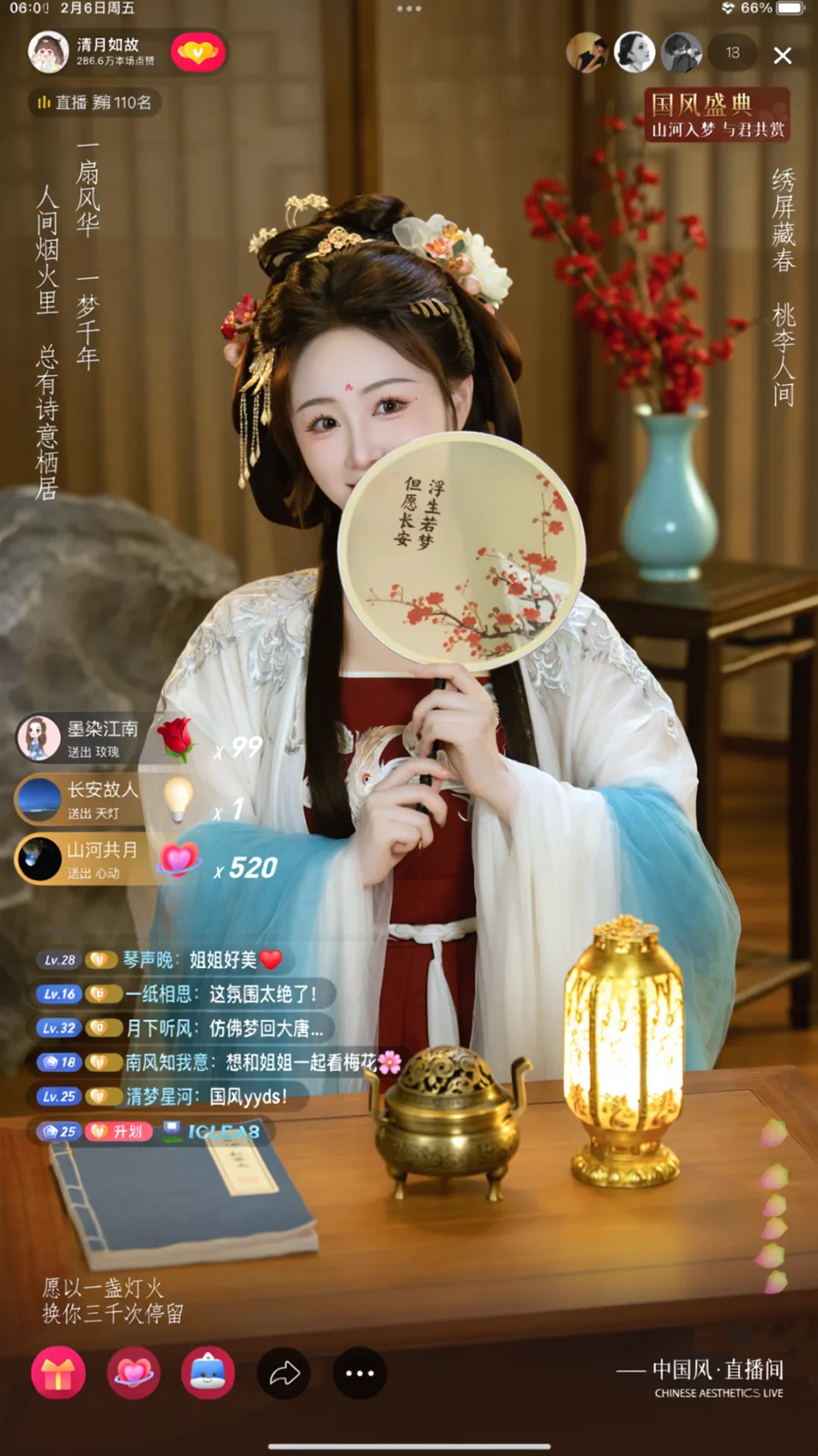
A phone livestream screenshot of a woman in hanfu with a round fan, with chat, gifts and on-screen captions
Source: OpenMOSS/MOSS-Image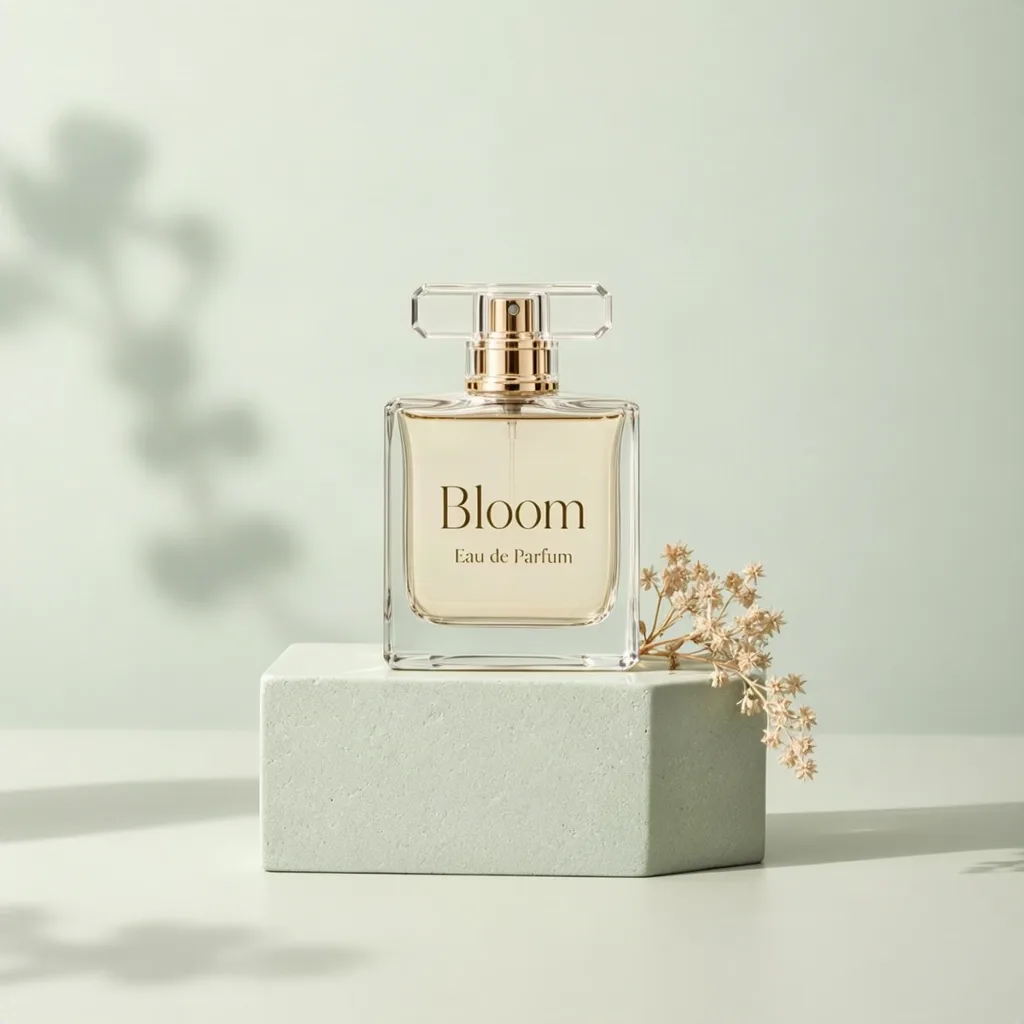
Product shot of a minimalist glass perfume bottle on a pale sage stone pedestal, soft studio lighting, dried flowers beside it. Elegant gold serif text on the bottle label reads "Bloom" and smaller text "Eau de Parfum". Clean pastel background with gentle shadows.
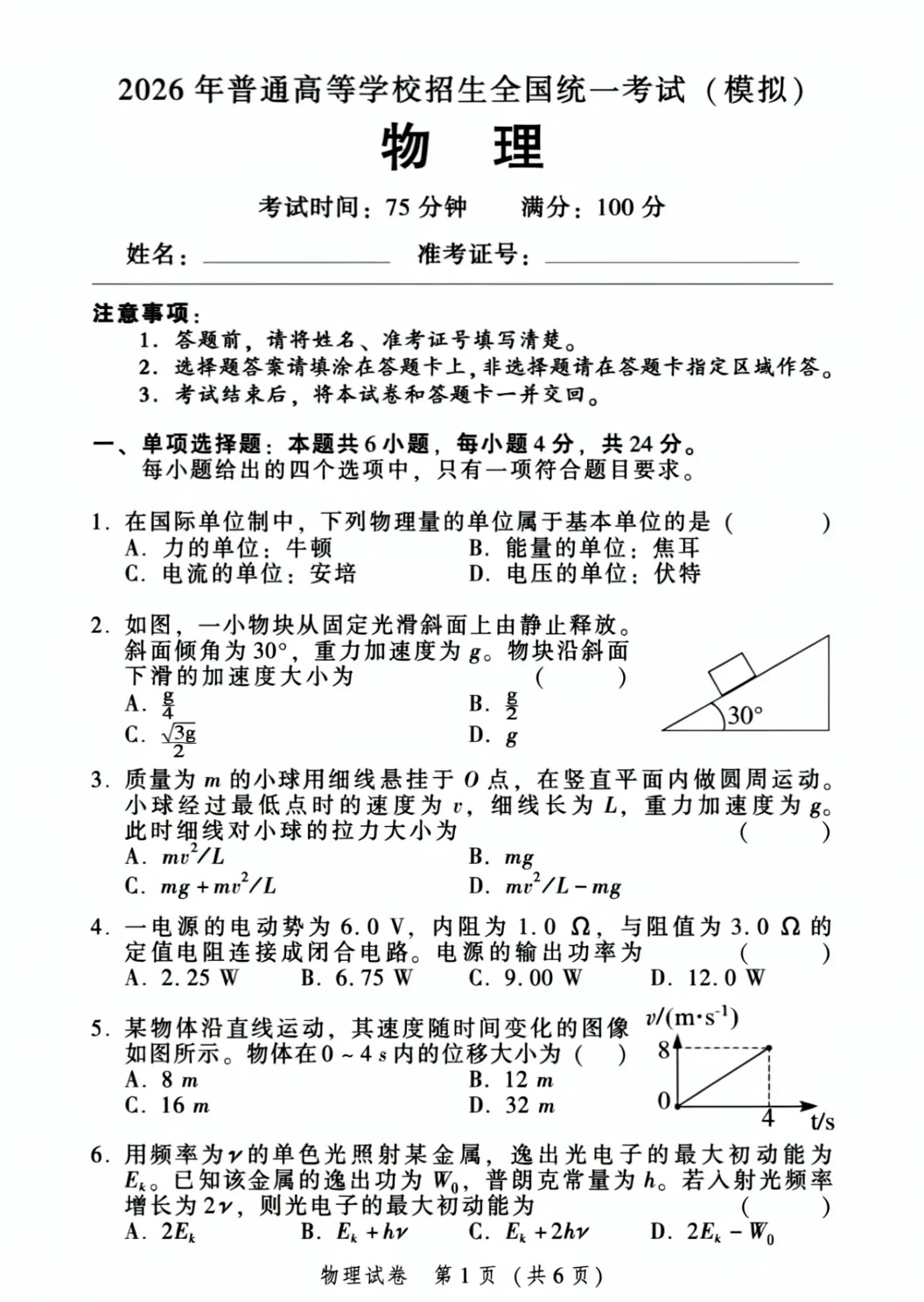
A finished Chinese university entrance examination practice paper, rendered as a crisp, straight-on scan of a single A4 sheet. The design follows formal examination typography, with restrained black ink, precise mathematical notation, generous writing margins, and finely drawn physics figures. The paper is clean white under even illumination, without photographic perspective or distracting surface texture. Dense but readable Chinese typesetting, differentiated heading weights, consistent option spacing, and carefully aligned question numbers create an authentic printed assessment. All questions remain unanswered, and the document clearly identifies itself as a practice examination.
Source: OpenMOSS/MOSS-Image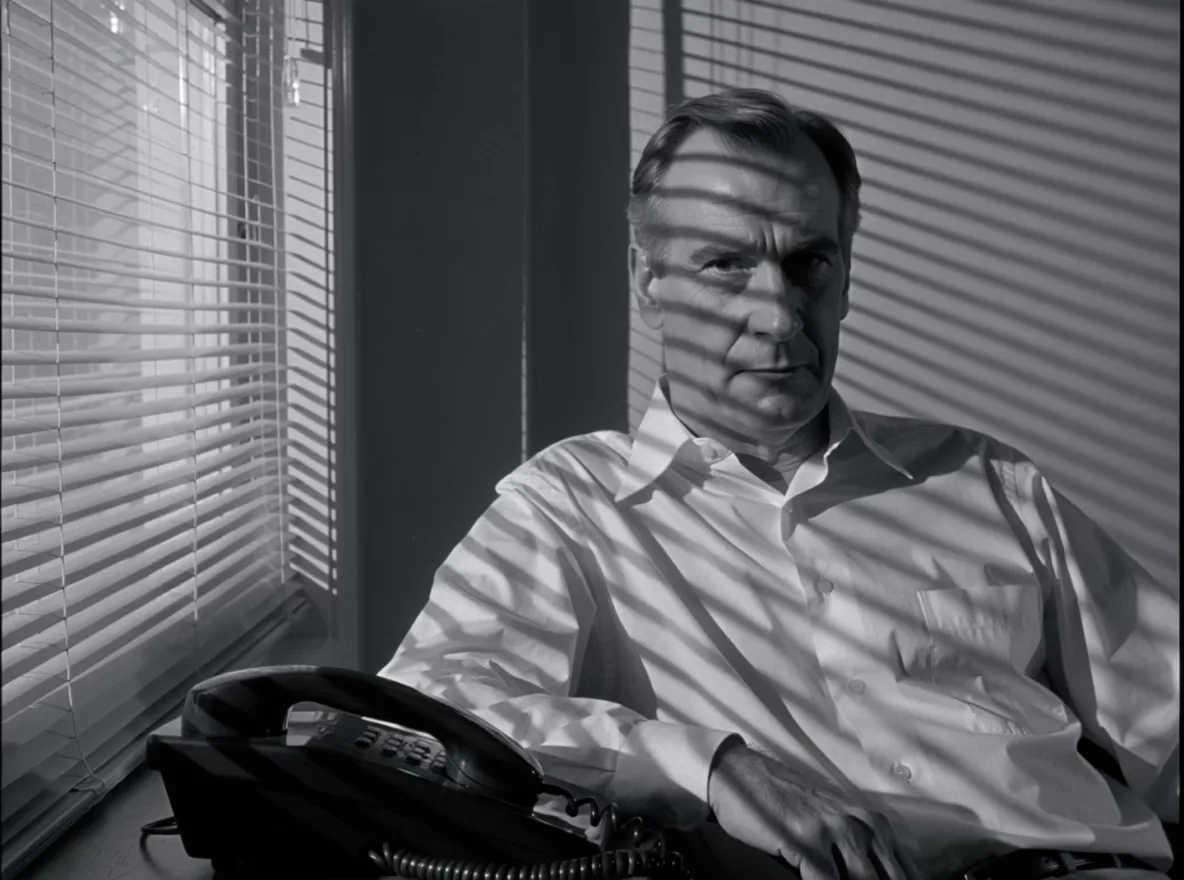
生成4:3黑白悬疑电影剧照,室内一位成年侦探坐在桌边。画面左侧可见半幅百叶窗,窗外强硬光透进来,在人物脸部、白衬衫和后墙上形成同一组方向一致的窄条阴影;条纹随表面转折与遮挡发生合理变化,不能像屏幕贴纸一样跨过人物外轮廓直接贴到所有物体上。人物一半面部明亮,另一半较暗,眼睛仍可见。桌上一只黑色有线电话,听筒放在座机上。无烟雾、无霓虹、无文字、无黑边。
Source: OpenMOSS/MOSS-Image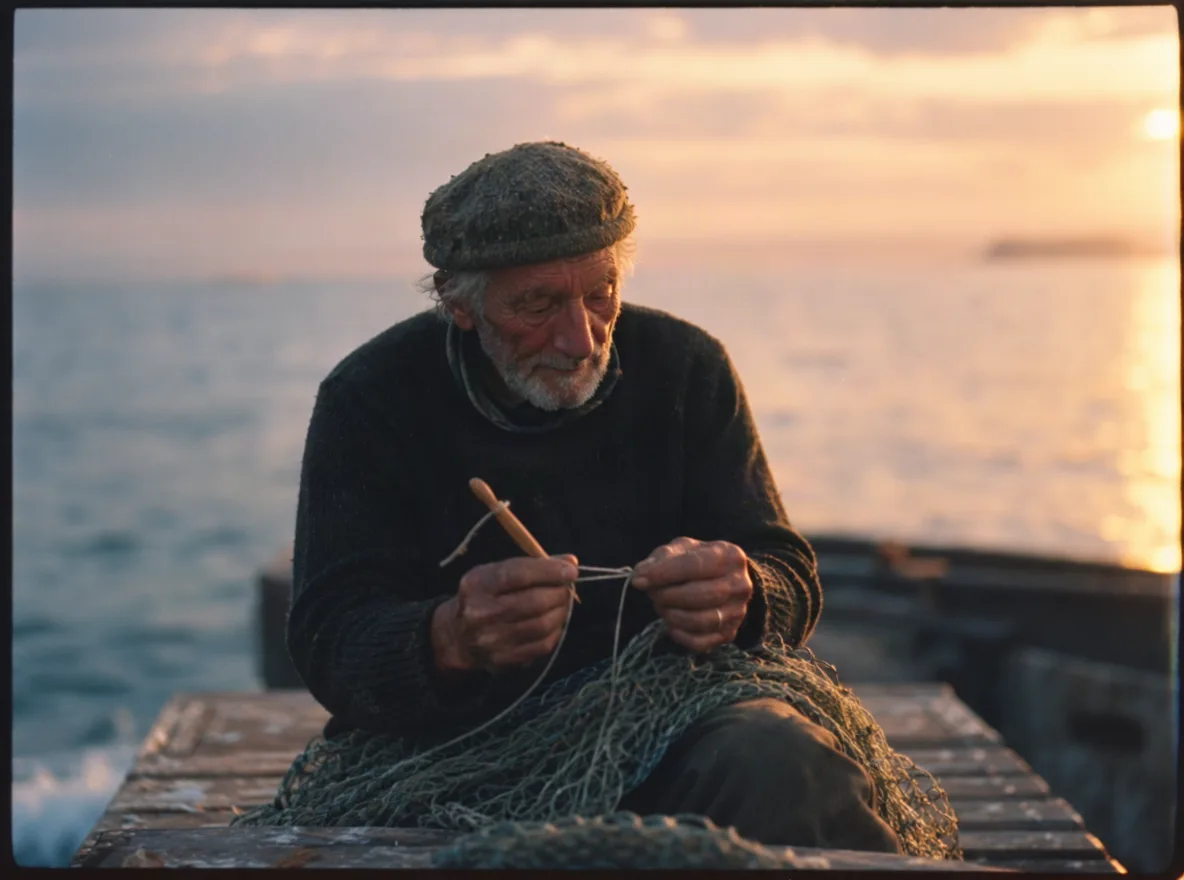
Candid 35mm film photograph of an elderly fisherman mending a net on a wooden pier at dusk, weathered hands, wool cap, soft golden backlight, visible film grain, shallow depth of field, natural skin texture.
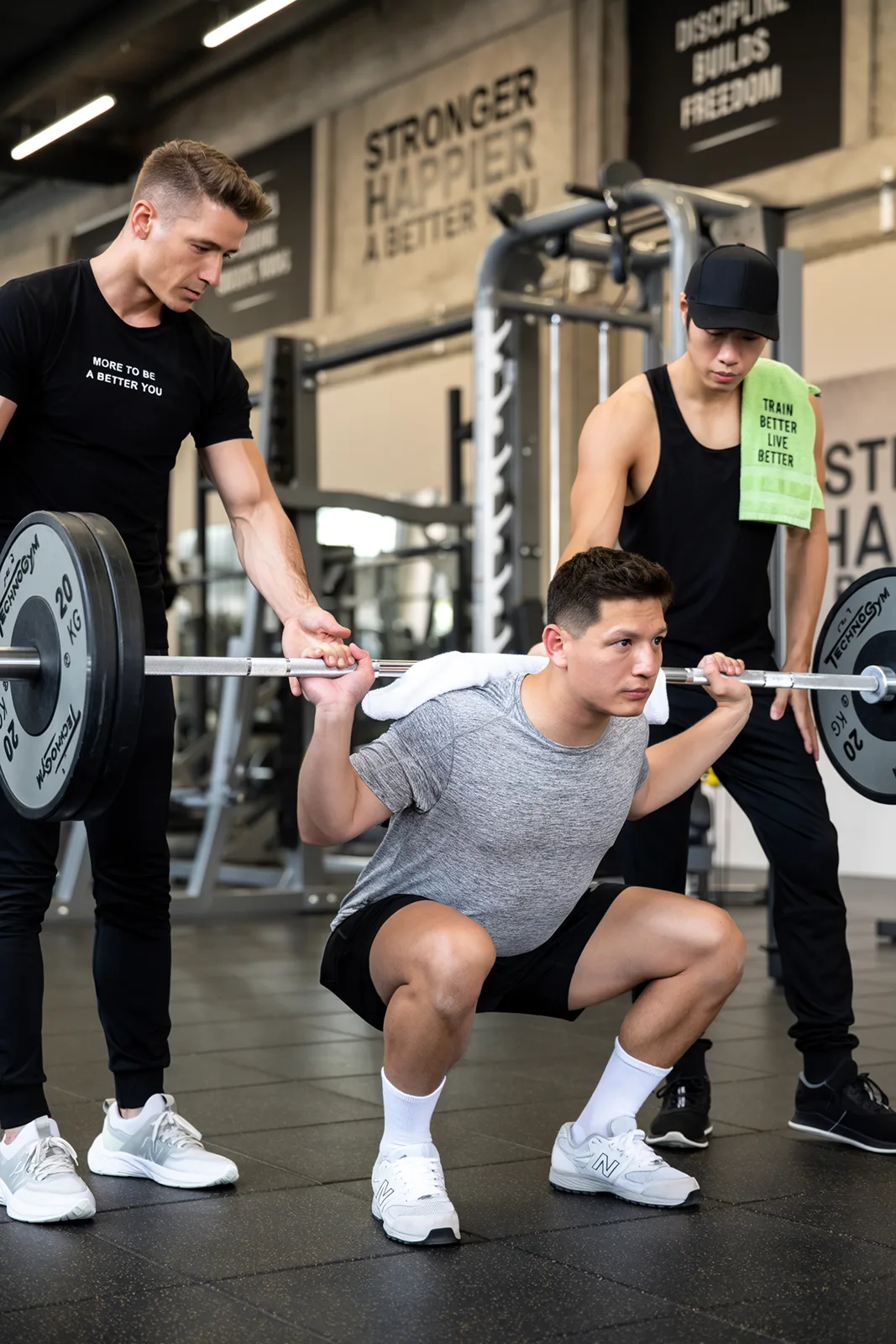
A high-quality indoor photograph captures a male and female fitness trainer guiding a male client through a weighted squat exercise in a modern gym. The scene is brightly lit with overhead industrial lights, emphasizing the texture of the gym equipment and the athletic wear. The composition is a medium-wide shot with a shallow depth of field, focusing on the three men while the background of gym machinery and motivational posters is softly blurred. The overall mood is focused and professional, with a neutral color palette punctuated by the trainers' black attire and the green towel.
Source: OpenMOSS/MOSS-Image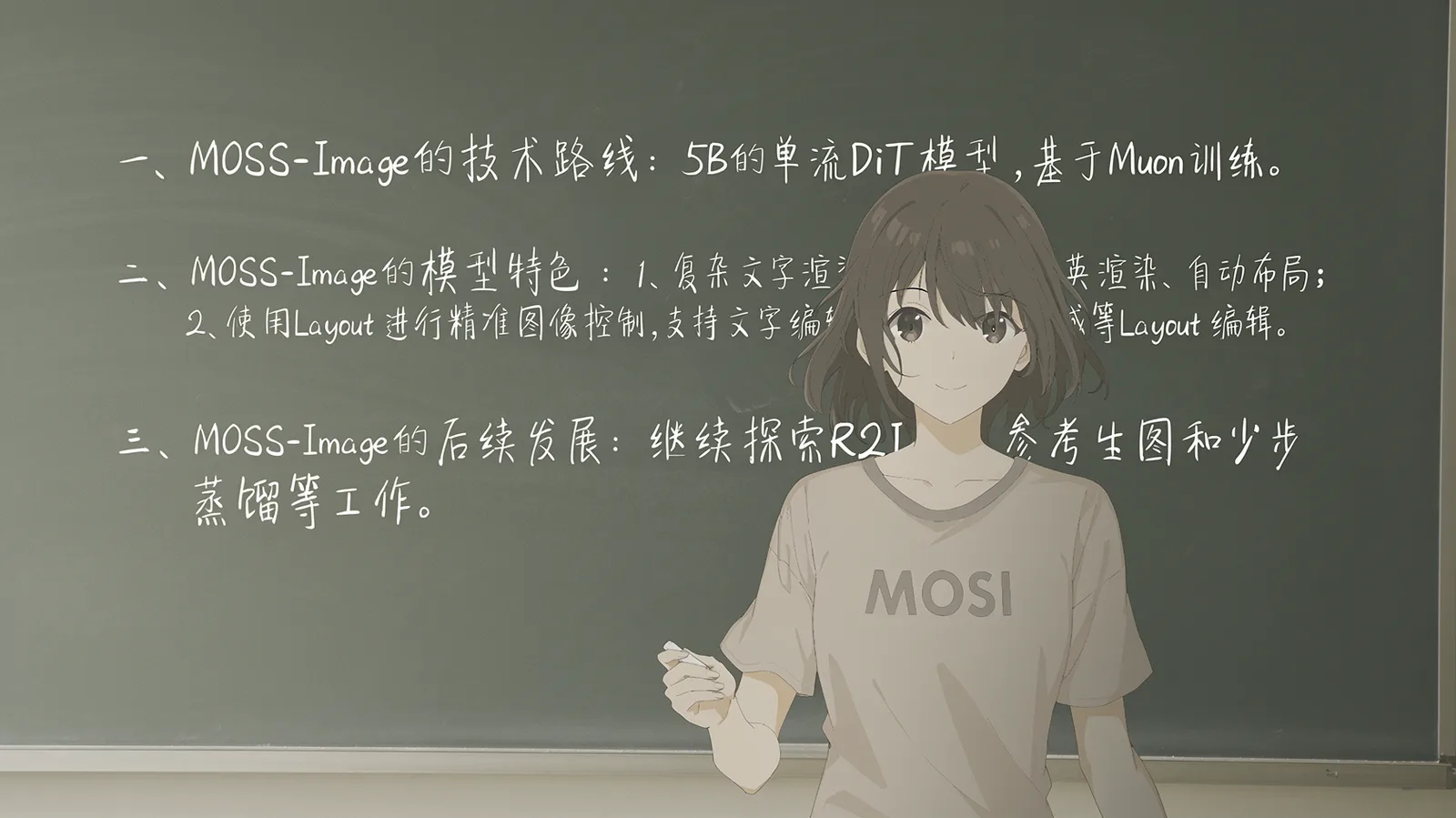
A girl in a MOSS T-shirt in front of a blackboard with three lines of handwritten Chinese notes
Source: OpenMOSS/MOSS-Image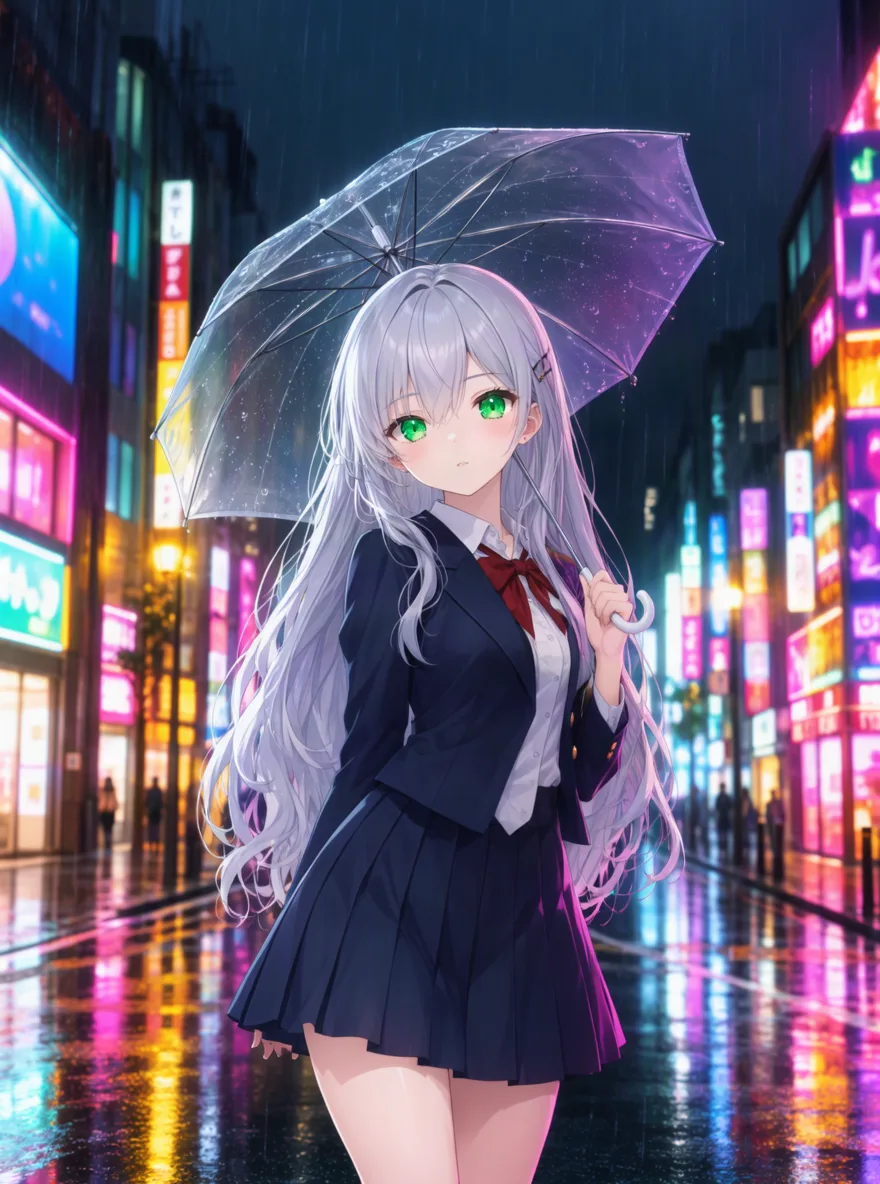
1girl, solo, silver hair, long hair, green eyes, school uniform, holding umbrella, rain, city street at night, neon signs, reflections on wet pavement, looking at viewer, anime style, detailed background
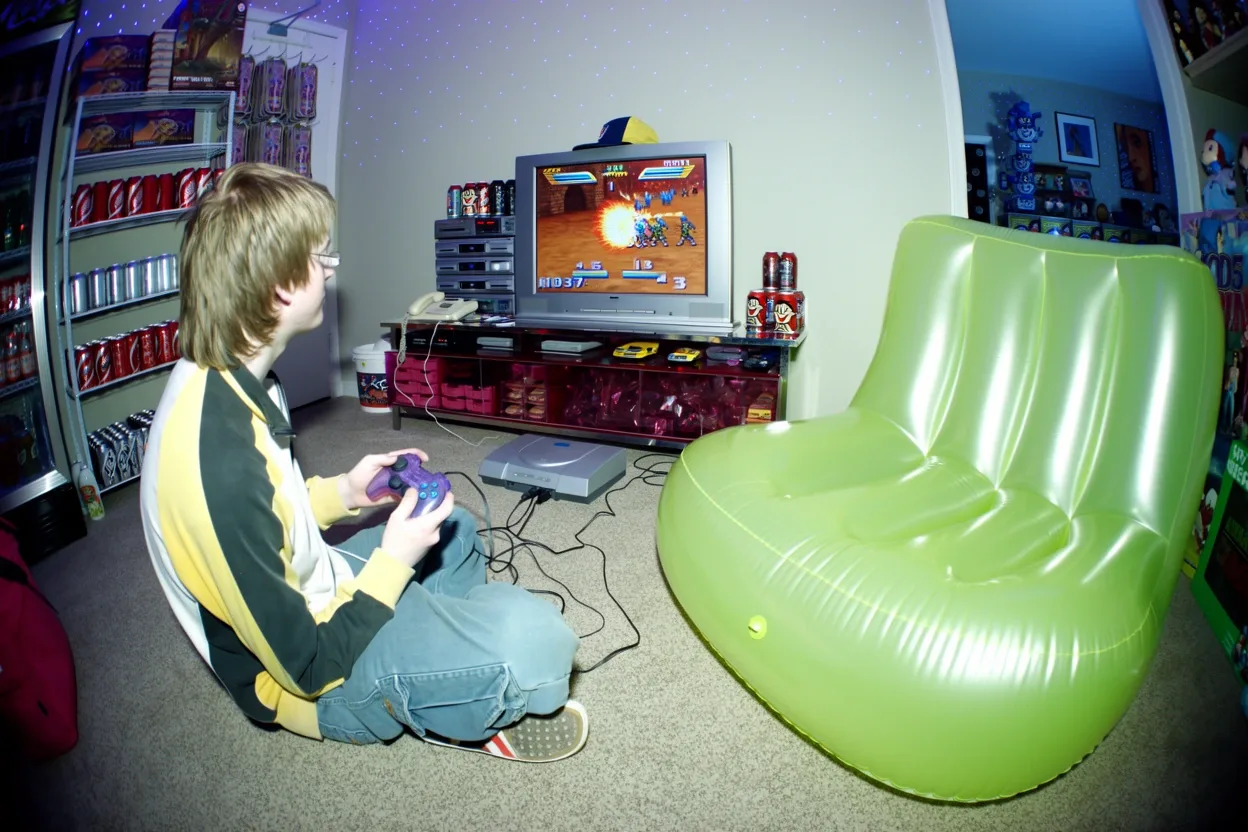
A fisheye flash photo of a teenager playing a video game on a CRT TV beside an inflatable green chair
Source: OpenMOSS/MOSS-Image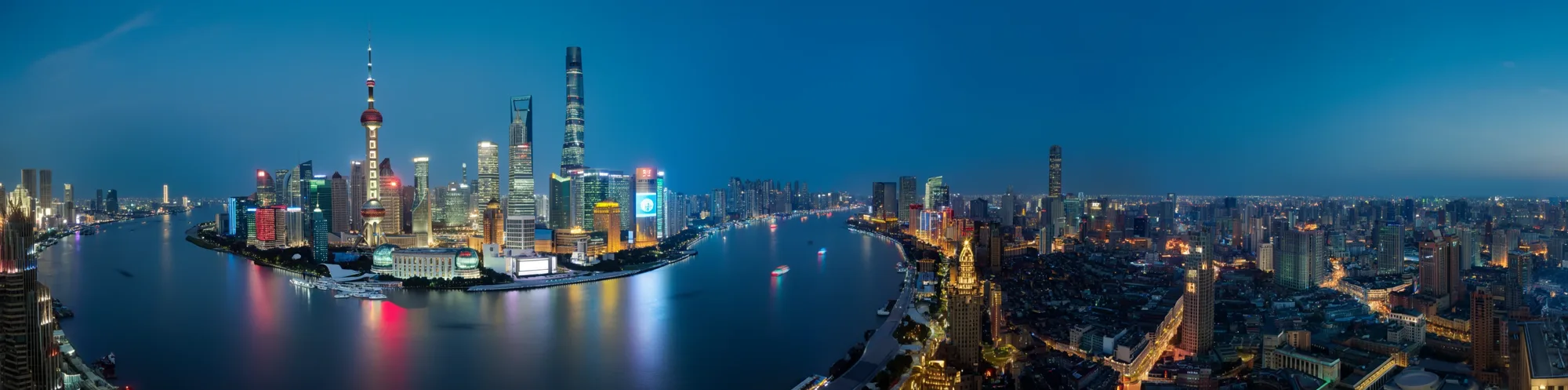
An ultra-wide 4:1 panorama of the Shanghai skyline and the Huangpu River at dusk
Source: OpenMOSS/MOSS-ImagePlace text and objects with a JSON layout
Besides plain prompts, MOSS Image accepts a JSON layout. A summary describes the whole picture, then each item names an object or a piece of text and gives its box as [top, left, bottom, right] in pixels, measured from the centre of the canvas. Text items carry the exact words to render.
You do not have to write it yourself. On Dolai the model first turns your sentence into a layout like the one here, which is the plan behind the travel poster above (shortened). If you want full control, paste your own JSON into the box at the same aspect ratio.
{
  "summary": {
    "caption": "A vintage travel poster of a mountain lake at sunrise in a retro screen-print style."
  },
  "items": [
    {
      "label": "text",
      "caption": "Bold cream serif headline",
      "text": "EXPLORE",
      "bbox": [-512, -250, -402, 250]
    },
    {
      "label": "object",
      "caption": "A small red canoe on the turquoise lake",
      "bbox": [218, -50, 338, 80]
    },
    {
      "label": "text",
      "caption": "Small retro text at the bottom",
      "text": "Lake Moraine · Since 1925",
      "bbox": [468, -190, 523, 190]
    }
  ],
  "bbox_coord_space": "abs_centralized",
  "bbox_format": "yxyx"
}
MOSS Image Base vs SFT
The two checkpoints share one architecture and the same settings. They differ in what they are for.
| MOSS-Image SFT | MOSS-Image Base | |
|---|---|---|
| What it is | Base tuned on curated data | The pre-trained model |
| Best for | Finished images, posters, layouts | LoRA training and fine-tuning |
| Text and layout | Cleaner grouping and tidier layouts | Capable, less consistent |
| Style range | More stable, a little more uniform | Wider and wilder, more misses |
| On Dolai | Available | Not served |
| License | Apache-2.0 | Apache-2.0 |
The SFT and Base comparison follows OpenMOSS’s model cards and early community testing. On Dolai, MOSS Image costs 25 credits per image at 1K and 50 at 2K.
How to run MOSS Image in ComfyUI
ComfyUI runs MOSS-Image natively: update ComfyUI, download the diffusion model, Qwen3.5-9B text encoder and FLUX.2 VAE from Comfy-Org/MOSS-Image, load a workflow, and sample at 50 steps, CFG 3 and shift 5. You need an NVIDIA GPU; quantized weights and a turbo LoRA make it lighter and faster. Step by step:
- 1
Update ComfyUI
Native support (ComfyUI pull request #17095) was merged after the last tagged release, so update to the latest version first. Older installs will not see the model.
- 2
Download the model files
Comfy-Org/MOSS-Image on Hugging Face has the repackaged weights: the SFT or Base diffusion model (about 10.2 GB in bf16, 5.4 GB in int8), the Qwen3.5-9B text encoder and the FLUX.2 VAE. Put them in models/diffusion_models, models/text_encoders and models/vae.
- 3
Load a workflow
Either use ComfyUI’s native nodes (load the diffusion model, the text encoder and the VAE, then sample), or install the official MOSS-Image plugin from ComfyUI Manager and open its example workflow. Do not mix the two: the plugin’s workflow with checkpoints loaded through the built-in nodes gives wrong output.
- 4
Use the recommended settings
Euler sampler, 50 steps, CFG 3, shift 5, with the negative branch skipping layer 22. Keep the image between one and two megapixels, with both sides a multiple of 16.
- 5
Speed it up if needed
The community’s 8-step turbo LoRA for the SFT model runs at CFG 1, and int8 or GGUF quantizations cut the memory needed. Expect softer detail; a hires-fix pass sharpens it.
No NVIDIA GPU, or no time to set it up? The box at the top of this page runs the same SFT model in the cloud. Create with MOSS Image
From a MOSS Image still to a video
MOSS Image makes stills. To make one move, switch the box above to Video, attach the image as the first frame and describe the motion. Seedance 2.5 keeps the product, face or poster from the still and adds camera movement and sound.
Text-heavy images such as posters and menus make good first frames: the words are already right, so the video only has to animate them.
What people use MOSS Image for
Posters and flyers
Headlines, dates and small print that read correctly, laid out where you say.
Bilingual signs and menus
English and Chinese text in the same picture, from shop signs to handwritten notes.
Product mockups
Labels and packaging with your product name on them, for pitches and listings.
Film-look photography
Natural faces, real skin texture and film grain, without the glossy AI look.
Anime and illustration
Booru-style tag prompts work as they do in SDXL-era tools.
Testing before you install
Try your prompts online first and decide whether a local ComfyUI setup is worth it.
How to use MOSS Image online
- 1
Describe the image
Write a detailed prompt. Put the exact words to show in quotes and say where they go. Longer prompts give steadier results with this model.
- 2
Pick a size
MOSS Image is selected. Choose an aspect ratio and 1K or 2K; the price is on the button.
- 3
Create, then refine
The image opens in the studio, where you can download it, adjust the prompt or turn it into a video.
MOSS Image FAQ
What is MOSS Image?
MOSS-Image is an open-source text-to-image model from OpenMOSS, released on October 16, 2026. It is a 5B diffusion transformer known for accurate English and Chinese text and for JSON layout prompts that place text and objects by bounding box.
Is MOSS Image free and open source?
Yes, the weights are open under the Apache-2.0 license and free to download from Hugging Face and ModelScope. Running it yourself needs an NVIDIA GPU. On Dolai it costs 25 credits per image at 1K and 50 at 2K, and new accounts get 100 free credits.
Can I use MOSS Image online without ComfyUI?
Yes. The box at the top of this page runs MOSS Image in the cloud, on the SFT checkpoint at the recommended settings. Type a prompt, pick an aspect ratio and 1K or 2K, and create. There is no ComfyUI to install, no model to download and no GPU needed.
Should I use MOSS-Image Base or SFT?
Use SFT for finished images: its text and layouts are cleaner and its output more stable. Use Base if you plan to train a LoRA or fine-tune, or want a wider and less predictable range of styles. Dolai runs SFT.
How much VRAM does MOSS Image need?
OpenMOSS publishes no official figure. The bf16 model file is about 10.2 GB and the int8 version about 5.4 GB, plus a 9B text encoder, so a 24 GB card is comfortable. int8 and GGUF quantizations, and the plugin’s offloading modes, bring it within reach of smaller cards.
Why is MOSS Image slow?
It is tuned for 50 steps, and each step runs the transformer twice for guidance. Community tests put a 1-megapixel image at around 40 seconds on an RTX 3090. The 8-step turbo LoRA is much faster at some cost in detail.
How do I get text right in MOSS Image?
Put the exact text in quotes, say what it is written on and where it sits, and keep the prompt detailed. For full control, use a JSON layout with a text item and a bounding box for each piece of text.
Why does my ComfyUI output look wrong?
Usually because the official plugin’s workflow is being used with checkpoints loaded through ComfyUI’s built-in nodes, which OpenMOSS says are not compatible. Use one setup or the other, and update ComfyUI to the latest version.
Can MOSS Image edit images?
No. MOSS-Image is text-to-image only: it cannot take an input photo to change. OpenMOSS has said it is considering an editing model, and community trainers are experimenting with one. For edits today, pick another image model in the same box, such as Nano Banana or Seedream.
Is Dolai made by OpenMOSS?
No. Dolai is an independent AI studio that runs MOSS Image through a hosted API, alongside image and video models from Google, OpenAI, ByteDance and others. MOSS-Image itself is developed and released by the OpenMOSS team under the Apache-2.0 license.
Try MOSS Image now
Readable text, layouts you control and open weights, with nothing to install.
Create with MOSS ImageDolai is not affiliated with OpenMOSS. MOSS-Image is developed and released by the OpenMOSS team; samples marked “on Dolai” were made here, and the others are official outputs published in the OpenMOSS/MOSS-Image repository.
Related tools
Other Dolai pages that open the same studio, set up for a different job.
- Krea 2Run Krea AI’s Krea 2 Turbo and Large online, then animate.
- FLUX.3 KleinRun Black Forest Labs’ FLUX 3 Image Klein online, up to 4K.
- Seedream 5.5Preview ByteDance’s next image model and create with Seedream today.
- Dola AI Image to VideoTurn one photo into a Seedance 2.5 video.
- AI video modelsEvery video model on Dolai, with what it costs.